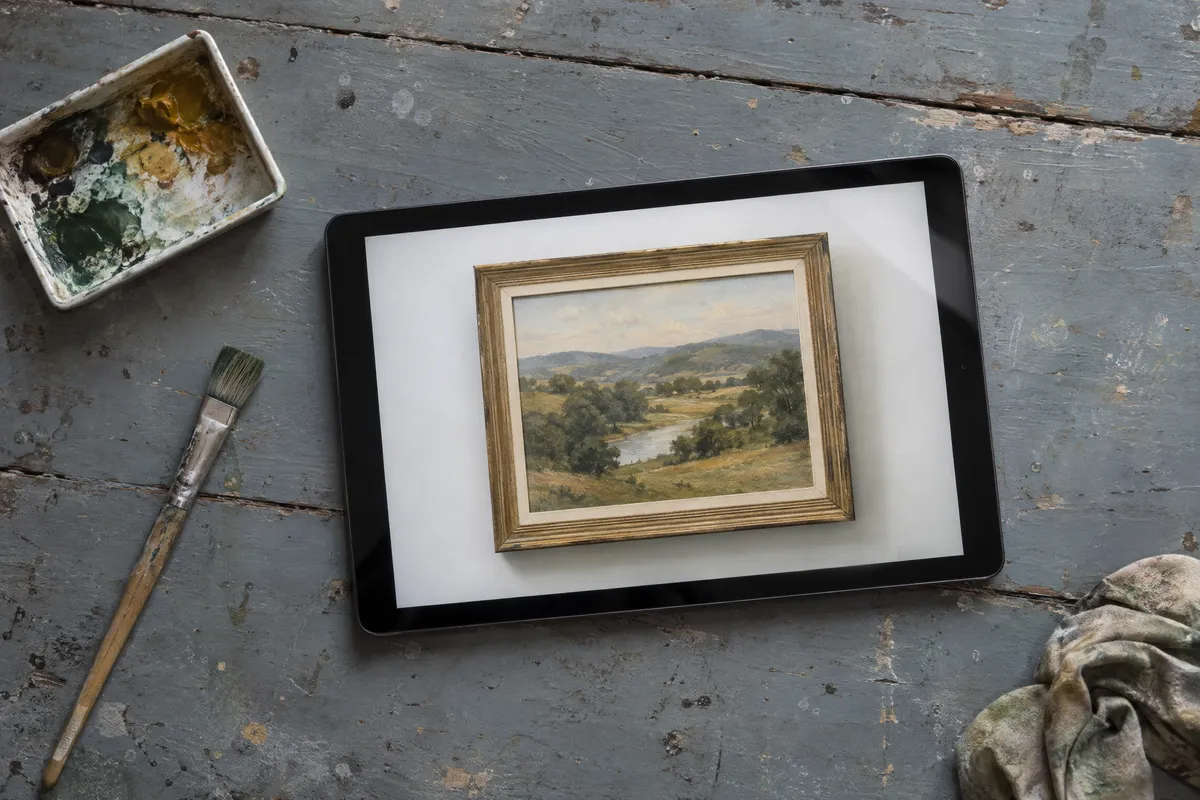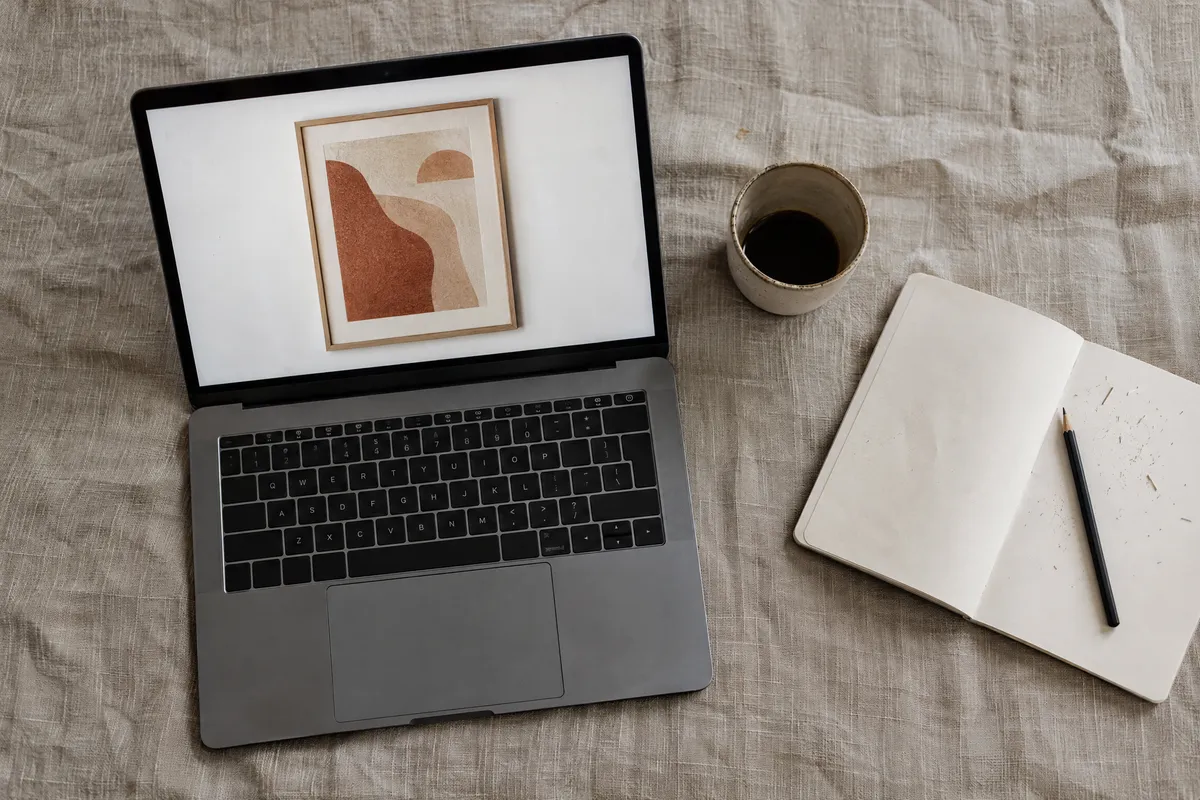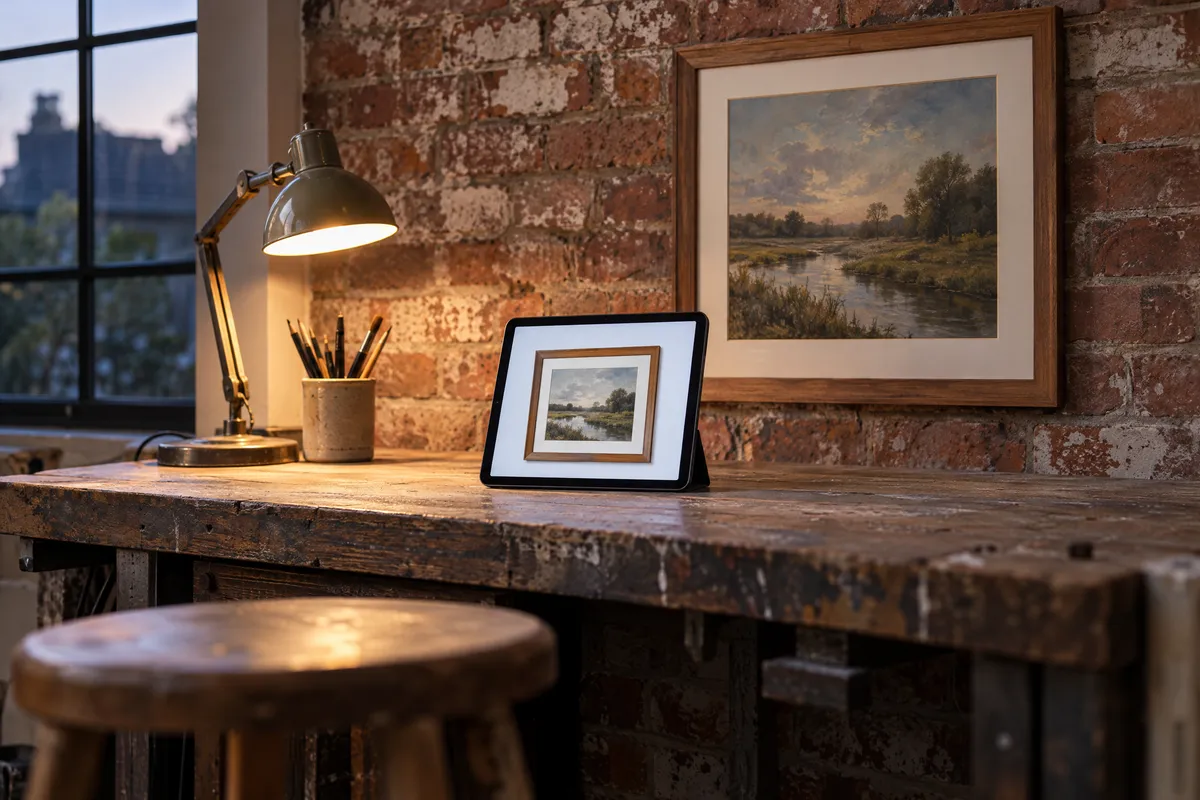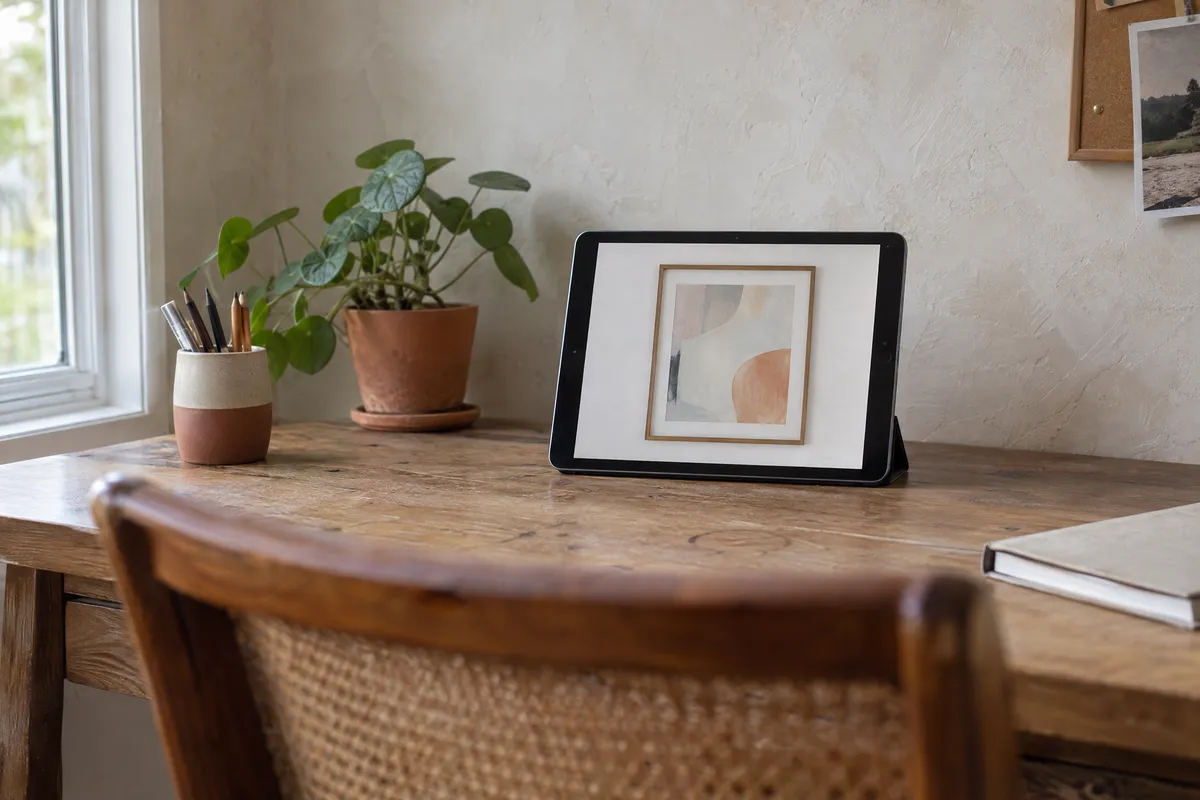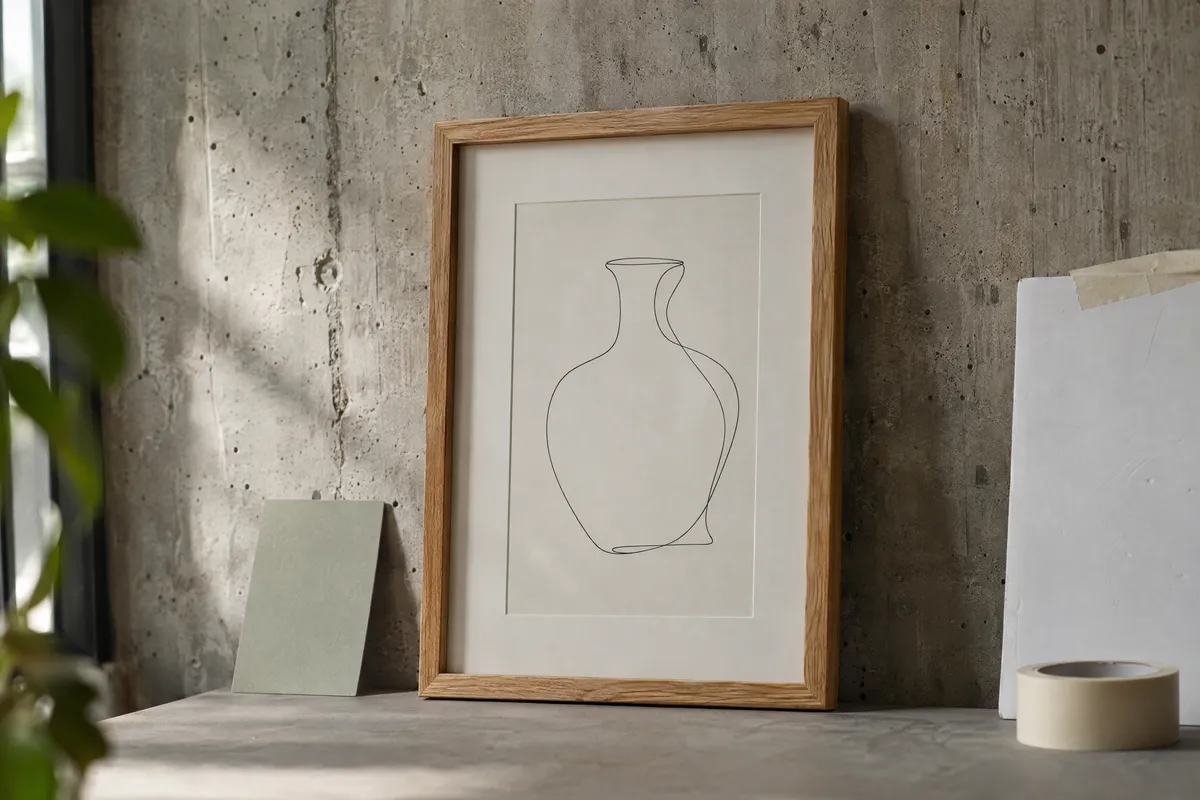
If you're selling art online (on Etsy, Amazon, Shopify, or your own website), your listing images are everything. Buyers can't see your work in person, so your photos and mockups must do the selling for you. This guide shows you how to create professional art mockups that convert browsers into buyers.
Why Mockups Matter for Online Art Sales
When someone shops for art online, they're trying to imagine how a piece will look in their home. A flat image of artwork provides limited information. A professional mockup showing the piece framed and on a wall answers their real question: "Will this work in my space?"
What Mockups Add
A good mockup set gives buyers what a flat artwork image cannot:
- Scale: how big the piece is next to furniture
- Setting: how it looks framed and on a wall
- Realistic expectations: fewer surprises when the piece arrives
The Psychology of Mockups
Mockups work because they reduce cognitive load. Instead of asking buyers to imagine your artwork framed and hung, you show them. This removes a barrier between "I like this" and "I'm buying this."
Essential Mockup Types for Sellers
Not all mockups serve the same purpose. A complete listing should include several types.
1. Primary Frame Mockup
Your main listing image should show the artwork beautifully framed. This communicates:
- Professional presentation
- How the finished product might look
- Attention to quality
Use our Picture Frame Generator to create frame mockups with various styles and mat options.
2. Room Context Mockup
At least one image should show the artwork in a room setting. This helps with:
- Scale perception
- Color context
- Lifestyle visualization
Our Wall Art Mockup Generator creates compelling room presentations.
3. Scale Reference Mockup
Help buyers understand actual size by including:
- The artwork above a sofa or furniture
- A person silhouette for scale
- Dimensions clearly displayed
4. Detail/Flat Image
Don't forget to include the artwork itself without framing:
- Shows actual artwork clearly
- Important for buyers purchasing unframed
- Allows zoom for texture and detail
5. Variation Mockups (Optional)
If offering multiple sizes or frame options, show them:
- Different size comparisons
- Various frame finish options
- Alternative mat colors
Advertisement
Creating Mockups for Different Platforms
Etsy Mockups
Etsy shoppers expect professional presentations. To compete effectively:
Primary image: Framed mockup on white or neutral background
Secondary images:
- Room context showing scale
- Detail shot of artwork
- Size variations if applicable
- Lifestyle/styled images for Pinterest sharing
Etsy-specific tips:
- Square format works best for thumbnails
- Bright, clean images perform better
- Include lifestyle images alongside the clean main shot
Amazon Handmade Mockups
Amazon has specific requirements and expectations:
Main image: Product on pure white background
Additional images:
- Room/lifestyle context
- Size reference
- Frame detail (if framed)
- Packaging (builds trust)
Amazon tips:
- Meet Amazon's technical requirements
- Include infographics showing dimensions
- Show the actual product, not just mockups
Shopify/Own Website Mockups
More flexibility with your own platform:
- Use multiple room settings
- Include video mockups if possible
- Create collection presentation images
- Match mockup style to brand aesthetic
Social Media Mockups
For Pinterest, Instagram, and social advertising:
- Square or vertical formats
- Bold, attention-grabbing presentations
- Lifestyle contexts that inspire
- Minimal text overlay
Step-by-Step: Creating Your Mockup Set
Here's a complete workflow for creating listing mockups:
Step 1: Prepare Your Artwork File
Start with the best possible source image:
- Photograph or scan at high resolution (300 DPI, 3000+ pixels)
- Color correct to match original
- Remove any background if needed
- Save in maximum quality
Step 2: Create Frame Mockups
Visit our Picture Frame Generator:
- Upload your artwork
- Select appropriate frame style for your art type
- Add mat board if desired
- Adjust proportions to match offered print sizes
- Export at high resolution
Create 2-3 variations with different frame colors if you offer options.
Step 3: Generate Room Visualizations
Use View in Room or our Wall Art Mockup Generator:
- Upload your framed mockup
- Select room setting appropriate for your target buyer
- Test different wall colors
- Ensure scale is accurate
- Export for listing use
Step 4: Create Size Comparisons
For multiple size offerings:
- Create mockups at each available size
- Show side-by-side comparison
- Include dimension labels
- Consider furniture reference for scale
Step 5: Compile Your Listing Images
Organize your final image set:
- Primary: Best frame mockup
- Room context (1-2 images)
- Flat artwork
- Size comparison (if applicable)
- Detail shot
- Lifestyle/social-optimized image
Mockup Best Practices for Sellers
Maintain Consistency
Use consistent mockup styles across your shop:
- Same frame styles in similar categories
- Consistent room settings
- Unified editing treatment
- Cohesive brand presentation
Consistency builds trust and makes your shop look professional.
Represent Accurately
Mockups should inform, not mislead:
- Use realistic proportions
- Show frames you actually offer or that represent what buyers might choose
- Clearly state what's included vs. shown for visualization
- Don't over-saturate or manipulate colors
Optimize for Platform
Each platform has requirements:
- Check image size requirements
- Understand thumbnail display
- Test mobile viewing
- Follow any specific guidelines
Update Regularly
Keep mockups fresh:
- Update room settings seasonally
- Refresh top sellers periodically
- Test new mockup styles
- Replace underperforming images
Common Mockup Mistakes Sellers Make
Mistake 1: Only Flat Images
Flat artwork images alone leave buyers guessing. Always include at least one framed/room mockup.
Mistake 2: Inconsistent Quality
Mixing professional mockups with amateur photos looks unprofessional. Maintain consistent quality.
Mistake 3: Wrong Scale
Showing artwork too large relative to furniture creates false expectations. Keep scale realistic.
Mistake 4: Distracting Backgrounds
Busy room mockups distract from your art. Choose clean, complementary settings.
Mistake 5: No Flat Artwork Image
Don't skip the pure artwork image. Buyers need to see what they're actually purchasing.
Mistake 6: Ignoring Mobile
Many buyers shop on phones. Ensure mockups are clear at small sizes.
Frame Selection for Selling
When creating mockups, frame choice affects buyer perception:
For Modern/Abstract Art
Modern or minimal frames:
- Black or white thin profiles
- Clean lines
- Gallery aesthetic
For Traditional Art
- Natural wood tones
- Traditional profiles
- Warm, inviting presentation
For Photography
- Very thin profiles
- Let the image dominate
- White or black
When Uncertain
Use neutral, understated frames that complement without dominating. You can always show variations.
Tools for Creating Seller Mockups
Free Options
Picture Frame Generator (Our Tool)
- Free frame mockups
- Multiple styles
- Wall preview
- High-resolution export
- Room context creation
- Various wall colors
- Scale visualization
Paid Options
Consider paid tools if you need:
- Massive template libraries
- Specific room settings
- Advanced customization
- Team collaboration features
For most sellers, free tools provide everything needed for professional results.
Measuring Mockup Effectiveness
Track how mockup changes affect sales:
Metrics to Watch
- Conversion rate: Visits to purchases
- Click-through rate: Impressions to clicks
- Time on listing: Engagement indicator
- Return rate: Lower with accurate mockups
- Social shares: For lifestyle images
A/B Testing
Test mockup changes:
- Create variation with new mockup style
- Run both versions
- Compare performance
- Implement winner
- Continue testing
Small improvements compound into significant sales increases.
Getting Started
Ready to create mockups that sell? Here's your action plan:
- Choose 3-5 top products to start with
- Prepare high-quality artwork images
- Create frame mockups using our Picture Frame Generator
- Generate room visualizations with Wall Art Mockups
- Update your listings with new images
- Track results and iterate
Professional mockups aren't optional for serious online art sellers: they're essential. The good news is that free tools make professional results accessible to everyone. Your art deserves to be shown at its best, and your buyers deserve to see what they're purchasing.
Start creating better mockups today, and watch your conversion rates climb.
Get started with our free Picture Frame Generator and create unlimited professional mockups at no cost.
Related resources:
- For Online Sellers - Complete guide for marketplace sellers
- For Artists - Resources for artists selling their work
- Wall Art Mockups - Create room visualizations