Wall Art Visualization Tool
Preview how artwork might look in different spaces. Create framed art mockups for client presentations and design proposals.
What You Can Create
Generate art visualization mockups for design projects.
Client Presentations
Show artwork options in framed mockups. Preview different frame styles and colors for client discussions.
Frame Comparisons
Test different frame styles, materials, and mat combinations on the same artwork.
Room Visualizations
Place framed artwork on wall backgrounds to show how it might look in a room setting.
Applications for Design Projects
Works for different types of interior design projects.
Residential Projects
- Living room gallery wall planning
- Bedroom and nursery art selection
- Hallway and stairway arrangements
- Home office decor visualization
Commercial Spaces
- Corporate office art programs
- Hotel and hospitality lobbies
- Restaurant and bar ambiance
- Healthcare and wellness centers
Staging & Real Estate
- Virtual staging with framed art
- Model home decoration planning
- Property listing photo enhancement
- Open house presentation materials
Design Planning
- Mood board and concept development
- Multiple option comparisons
- Remote client presentations
- Design proposal documentation
How It Works
Create art visualization mockups in a few steps.
Select Artwork
Start with the artwork, photograph, or print you're considering. Select any image file.
Choose Frame Styles
Browse frame options. Try classic wood for traditional interiors, sleek metal for modern spaces, or ornate frames for formal settings.
Preview on Wall
Preview artwork against different wall colors. Set dimensions to match the intended space.
Download
Export high-resolution images for design proposals or presentations. Create multiple variations.
Frame Styles for Different Interiors
Match frame styles to interior design aesthetics.
 AI generated
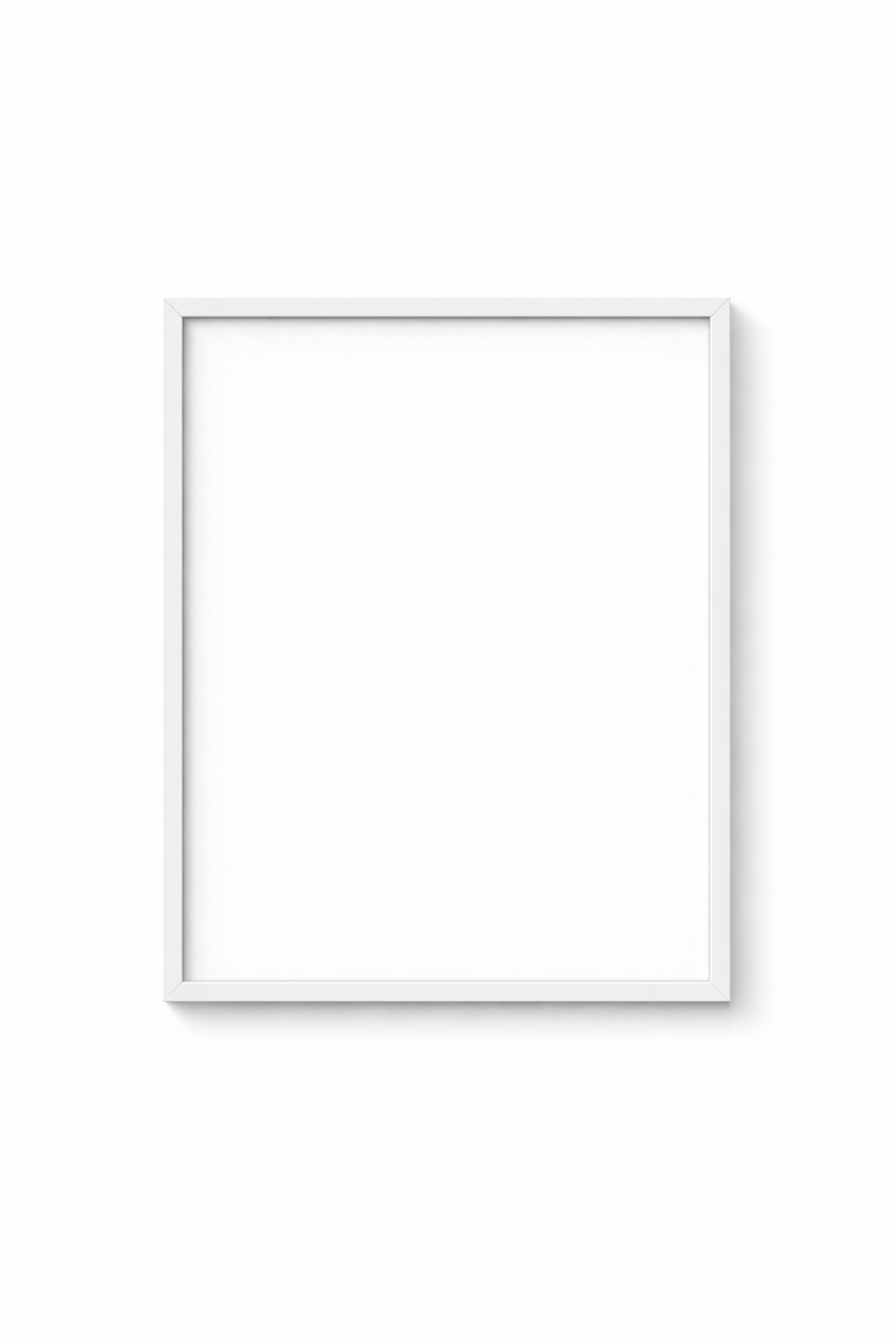
 Minimal Frames
For: Scandinavian, minimalist, modern, and contemporary interiors
 AI generated
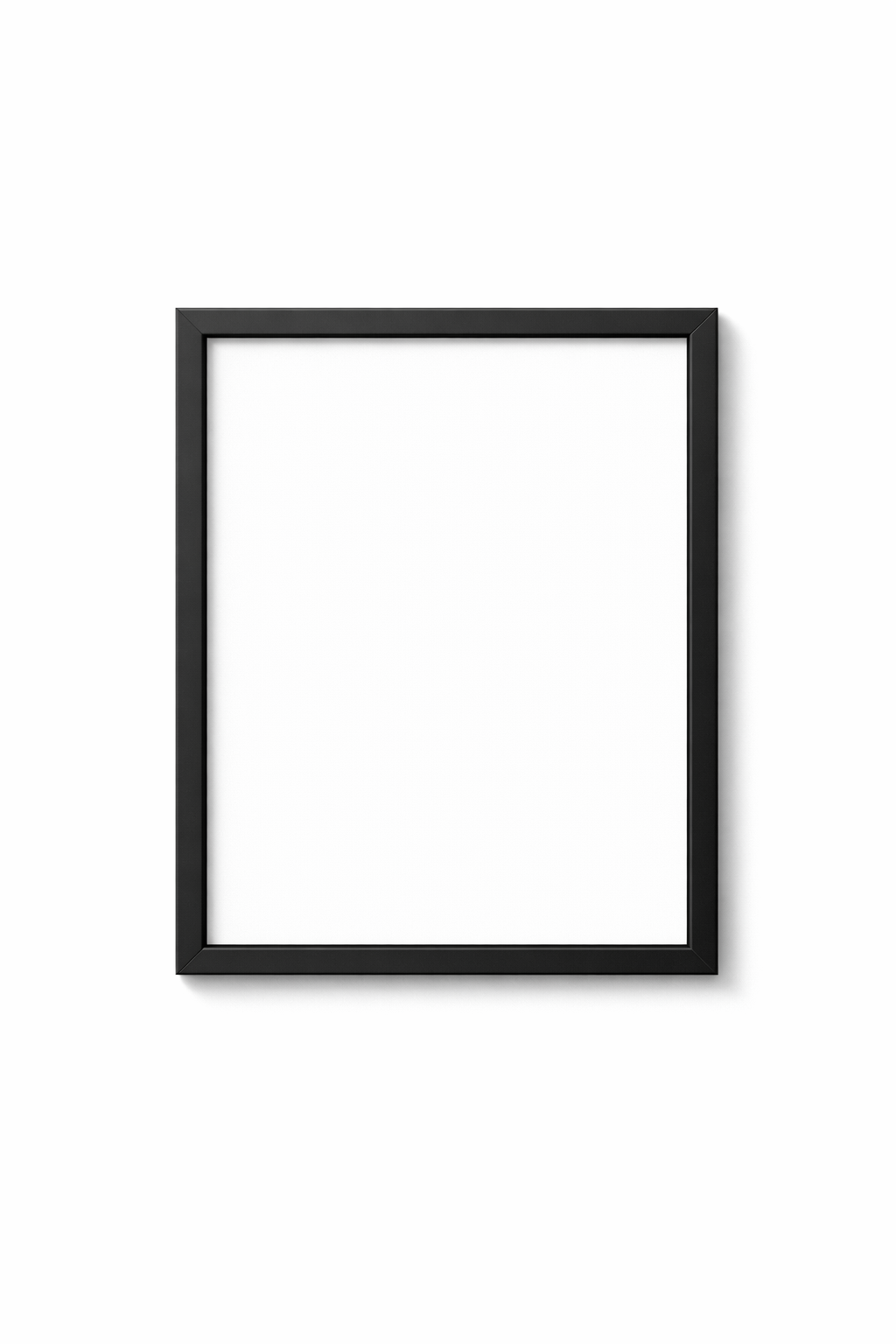
 Modern Frames
For: Mid-century modern, industrial, urban loft, gallery-style
 AI generated
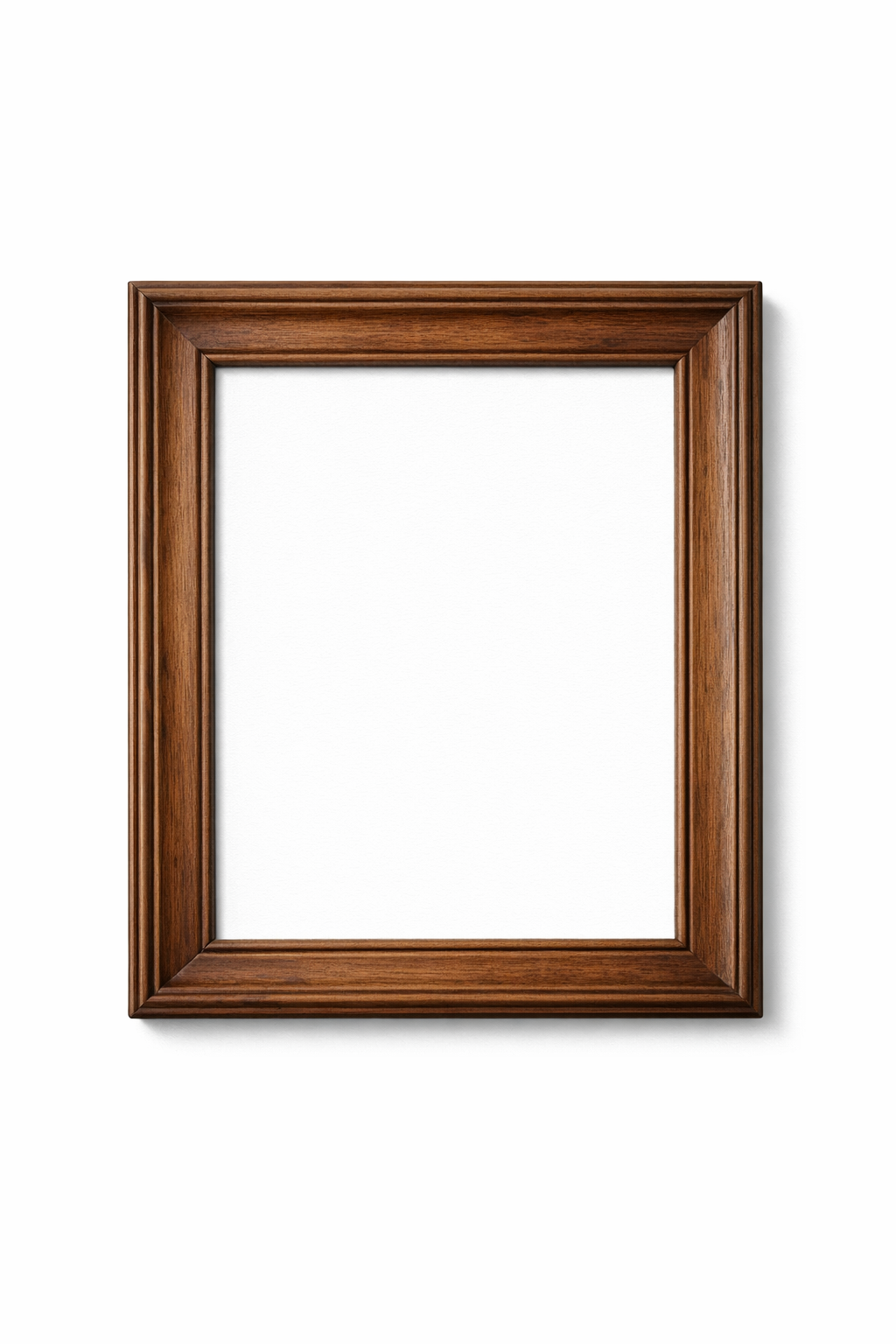
 Classic Frames
For: Traditional, transitional, farmhouse, cottage-style
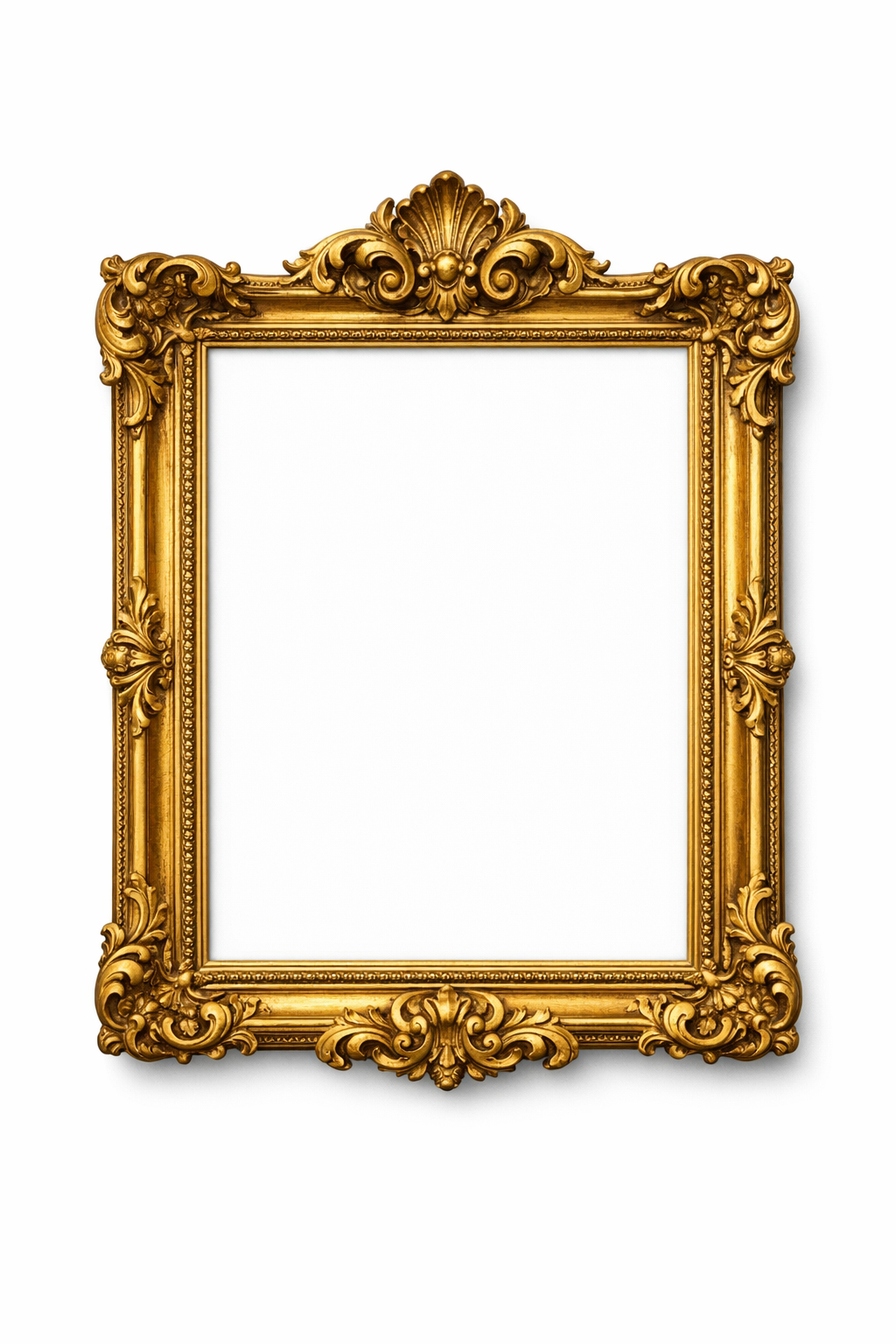 AI generated
 Ornate Frames
For: Victorian, French country, luxury, formal traditional
Design Tips
Scale & Proportion
Art often occupies 60-75% of the wall width above furniture. Use mockups to test different sizes.
Color Harmony
Frame colors can complement the artwork's tones while harmonizing with the room's palette.
Room Visualization
Preview framed artwork against different wall colors to see how it works in various room settings.
Gallery Arrangements
For gallery walls, consistent frame styles help create visual cohesion across the arrangement.
Frequently Asked Questions
What file formats are supported?
All common image formats are supported including JPEG, PNG, and WebP. High-resolution artwork images produce the best quality mockups.