Photo Frame Mockup Generator
Preview your photos in different frames. See how they look before printing or ordering custom framing.
What is a Photo Frame Mockup?
A photo frame mockup is a digital preview showing how your photograph will look inside a picture frame. Instead of guessing or imagining, you can see the exact result before ordering prints or custom framing.
Preview Before Print
See exactly how your photo will look framed before spending money on printing and custom framing.
Test Frame Styles
Experiment with different frame colors, styles, and mat combinations to find the perfect match.
Download Free
Export high-resolution mockups for sharing, printing, or use in presentations and social media.
Popular Uses for Photo Frame Mockups
Photo frame mockups help everyone from casual photo enthusiasts to professional photographers.
Family Portraits
See how family photos will look framed before ordering expensive prints. Find the perfect frame for living room display.
Photography Clients
Photographers show clients how their portraits or wedding photos will look as framed wall art.
Gift Planning
Planning a framed photo gift? Preview exactly how it will look before having it printed and framed.
Memorial Photos
Create dignified framed presentations of memorial photos with appropriate frame styles and colors.
Social Media
Create elegant framed photo presentations for Instagram, Facebook, and other social platforms.
Digital Displays
Create framed images for digital photo frames, screensavers, or desktop wallpapers with that classic framed look.
How to Create Photo Frame Mockups
Generate professional photo frame mockups in four simple steps. No design skills required.
Select Your Photo
Start by selecting any photograph from your computer, phone, or tablet. JPEG, PNG, and WebP formats are supported. Use the highest resolution available for best results.
Select a Frame Style
Browse frame styles. Choose from classic wood frames, modern metal profiles, minimal thin frames, or ornate decorative options. Each style comes in multiple colors.
Preview on Wall
Preview your framed photo against different wall colors to see how it will look in various room settings.
Download Your Mockup
Export your finished photo frame mockup as a high-resolution image. Use it to plan your framing, share with family, or post on social media.
Frame Styles for Photos
Different photos call for different frame styles. Here's a guide to choosing the right one.
 AI generated
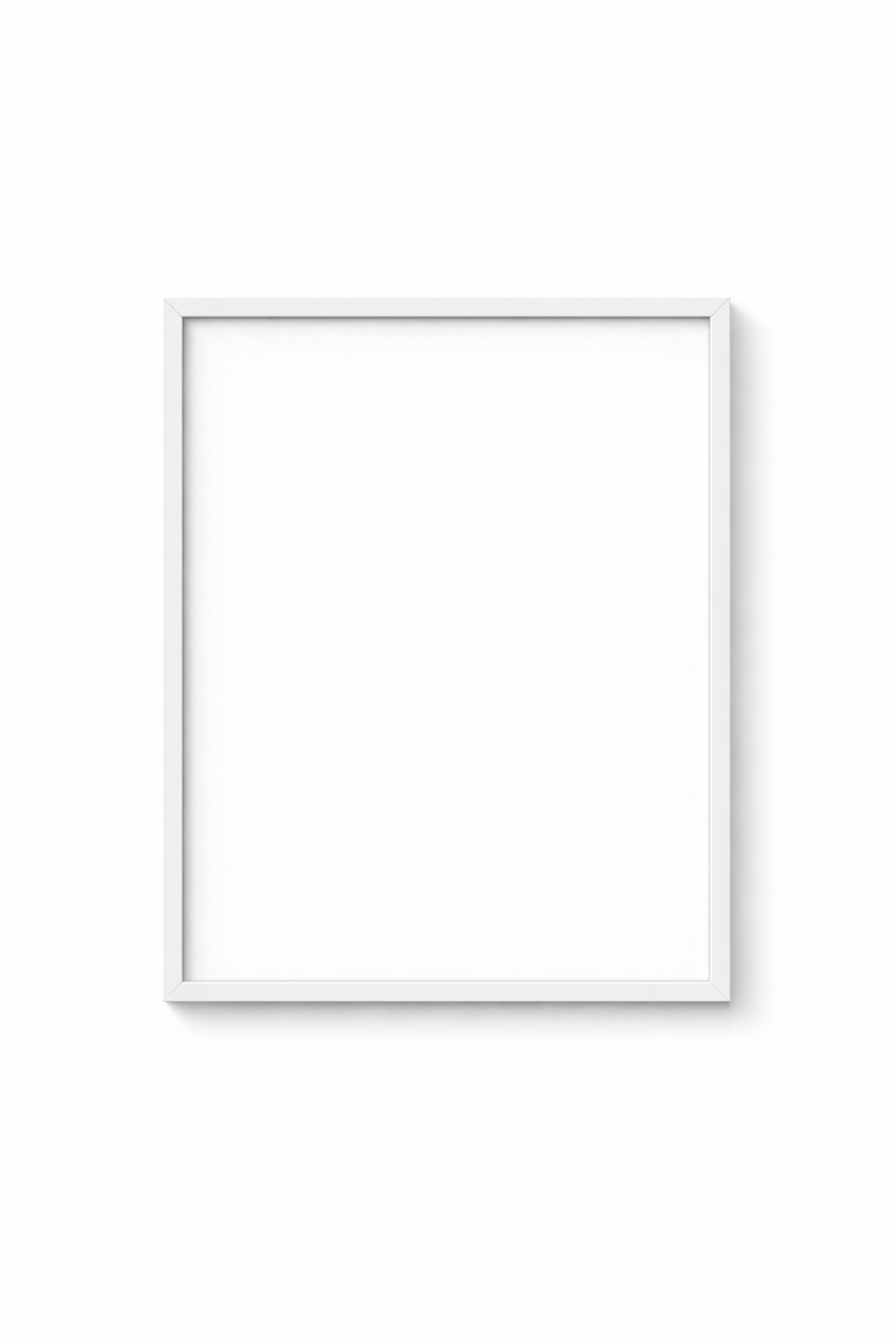
 Minimal Frames
Best for: Modern photos, bold images, gallery walls
 AI generated
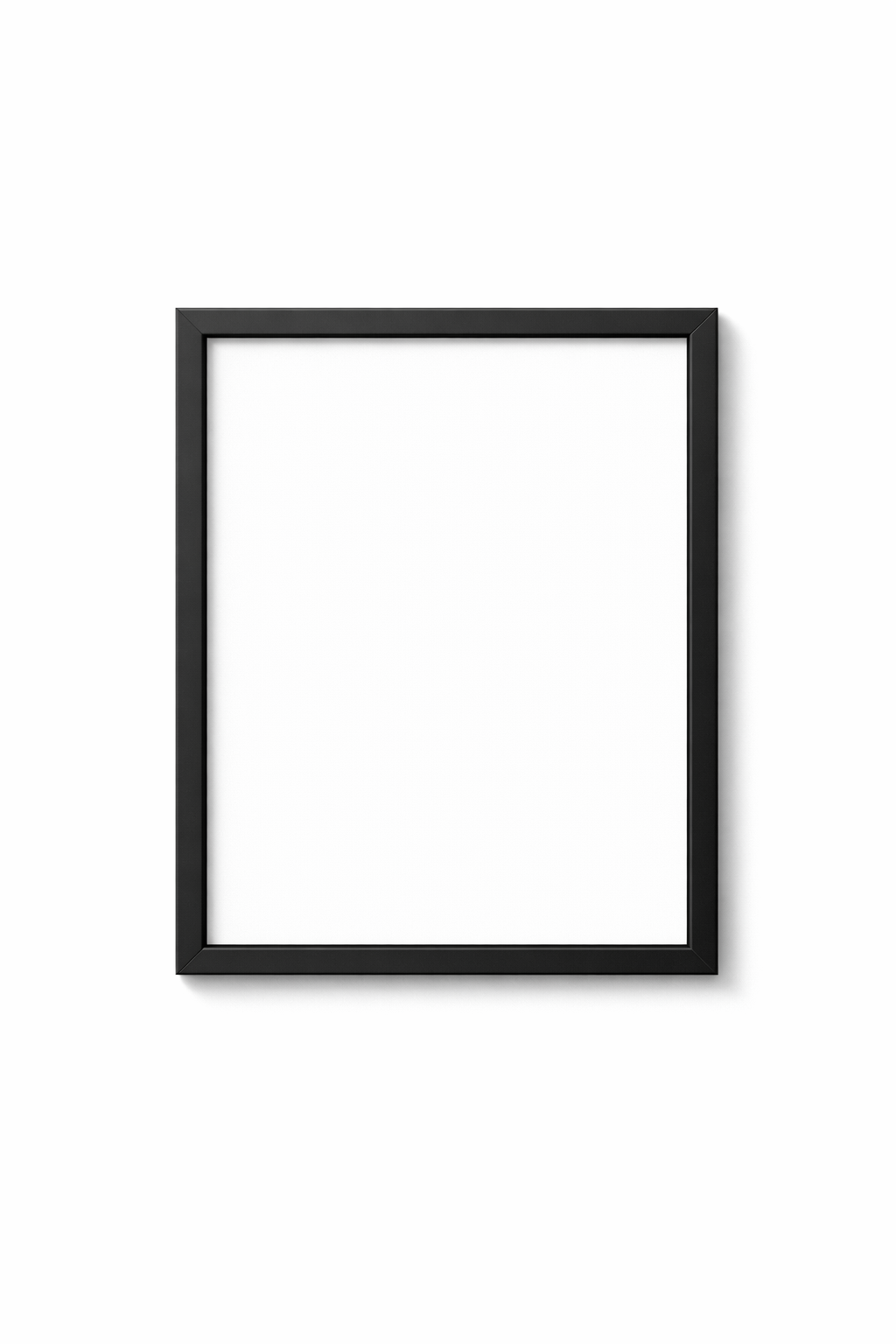
 Modern Frames
Best for: Black & white photos, contemporary spaces
 AI generated
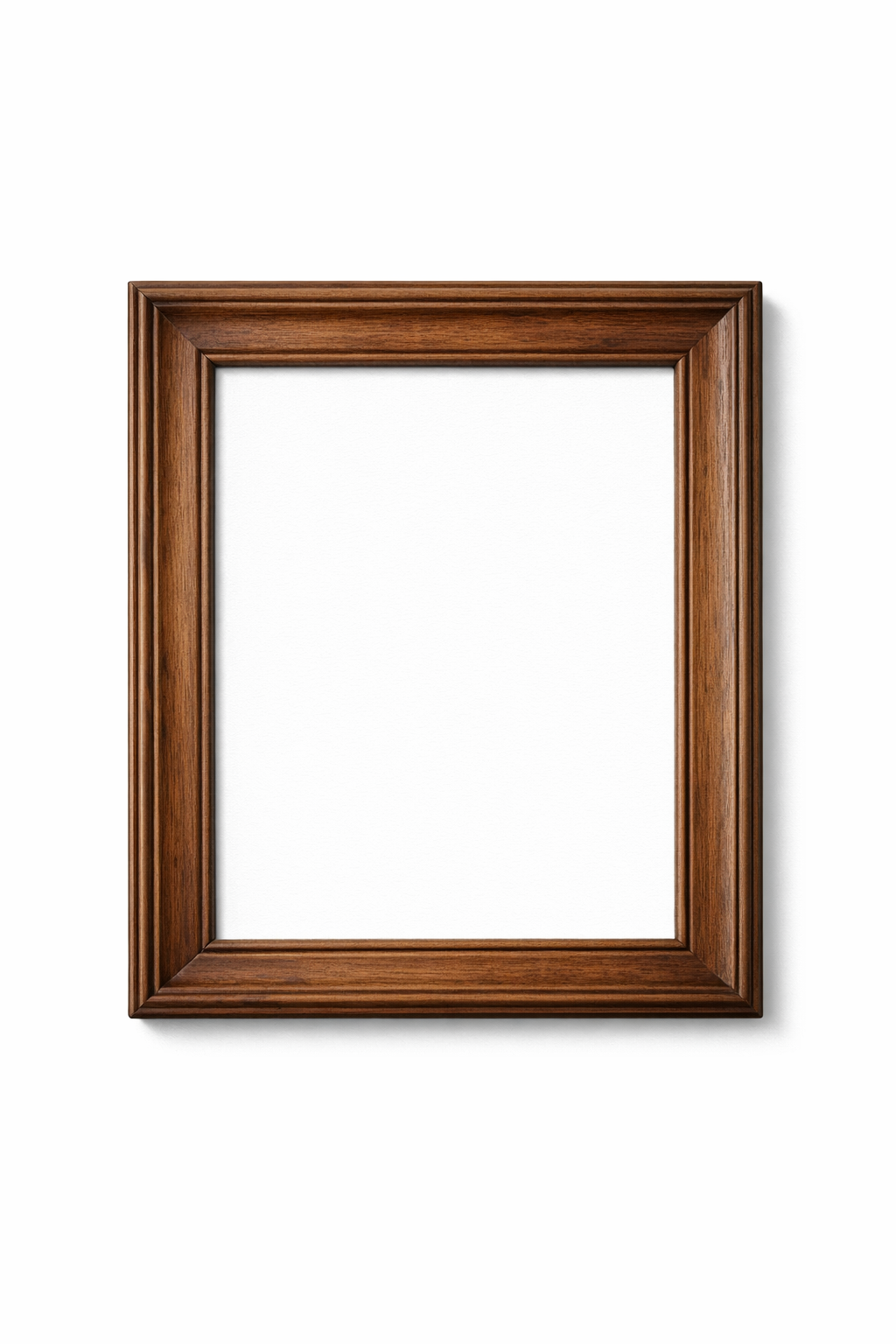
 Classic Frames
Best for: Family portraits, traditional decor
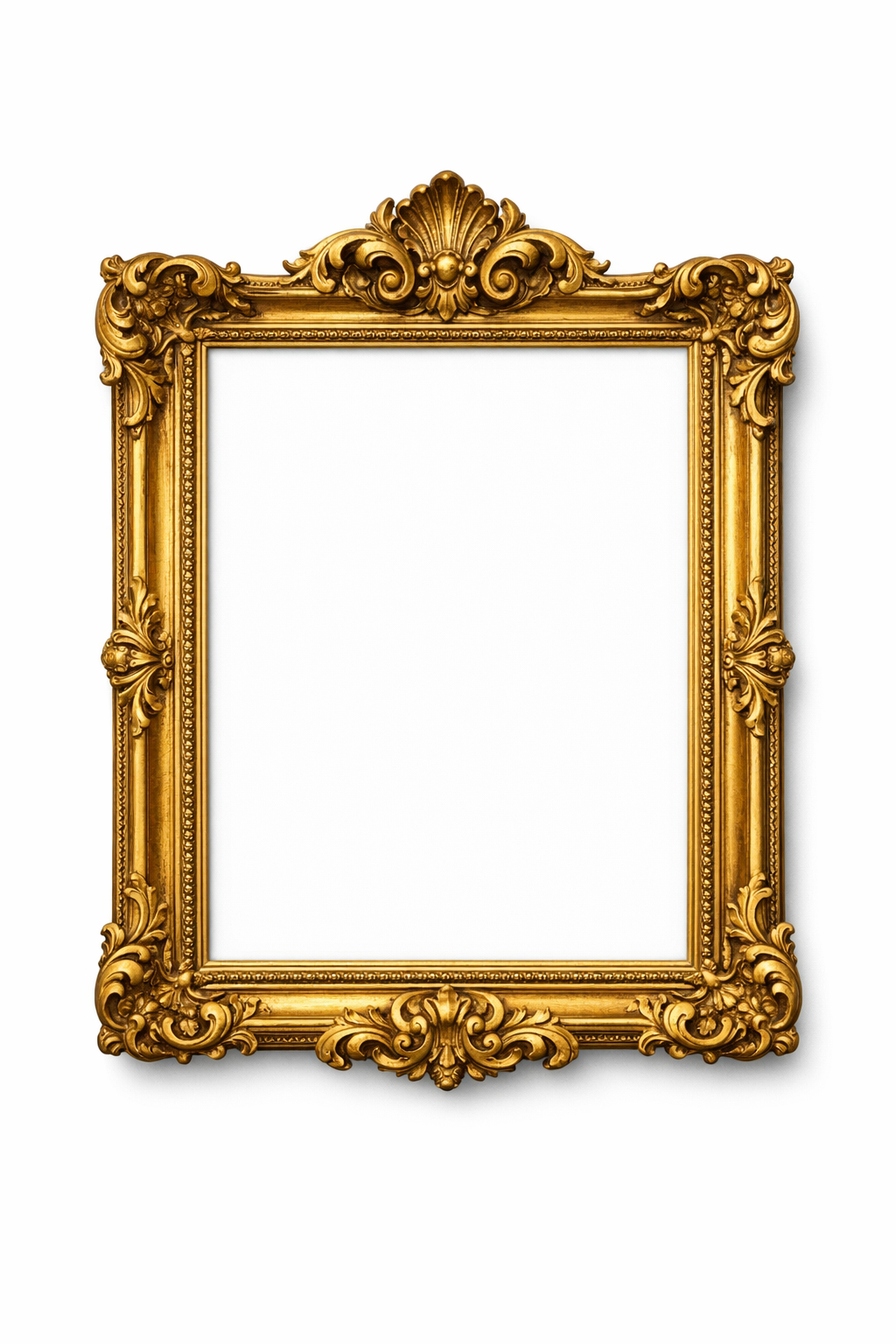 AI generated
 Ornate Frames
Best for: Formal portraits, statement pieces
Photo Frame Mockup FAQ
What photos work best for mockups?
Any photo works, but high-resolution images (at least 1500 pixels on the longest side) produce the best results. Family portraits, landscapes, travel photos, and professional photographs all frame beautifully.
Is this the same as actually framing a photo?
Mockups are digital previews—they show you what a framed photo would look like. You still need to print and physically frame your photo separately if you want a real framed piece.
Can I use mockups for photo gifts?
Absolutely! Create mockups to plan framed photo gifts, share previews with family members, or include in photo books and memory projects.
Will my photos be private?
Yes, completely. All image processing happens in your browser. Your photos are never uploaded to our servers or stored anywhere. Your memories stay private.
Can photographers use this for client work?
Yes. Photographers can use this tool to show clients how their portraits will look framed before ordering prints.
Create Your Photo Frame Mockup Now
See how your photos will look framed. Preview instantly.
Try Photo Framing