
Virtual Picture Framing
Preview how your art, photos, and prints will look in different frames before ordering. Our free virtual framing tool lets you experiment with styles, colors, and mats instantly.
Try Virtual Framing FreeWhat is Virtual Picture Framing?
Virtual picture framing is a digital technology that allows you to preview how artwork, photographs, or prints will look when placed inside different picture frames. Instead of guessing or imagining how a frame might complement your piece, virtual framing tools render realistic visualizations showing exact proportions, colors, and styles.
This technology has revolutionized how people approach framing decisions. Whether you're an artist preparing work for sale, a photographer creating client galleries, or a homeowner decorating a space, virtual picture framing eliminates the uncertainty from the selection process.
Our Picture Frame Generator provides virtual framing capabilities that work entirely in your browser. Upload any image, apply different frame styles, preview on wall backgrounds, and see results instantly.
Benefits of Virtual Picture Framing
Virtual framing technology offers significant advantages over traditional frame selection methods.
Save Money
Custom framing is expensive, often costing $100-500+ per piece. Virtual framing lets you preview options before committing, avoiding costly mistakes and returns. See exactly what you're getting before spending money on materials.
Save Time
No need to visit multiple frame shops or wait for samples. Try dozens of frame combinations in minutes from anywhere. Compare options side by side instantly without scheduling appointments or driving to stores.
Accurate Visualization
See realistic representations of how frames will look with your specific artwork. Understand proportions, color interactions, and overall aesthetic impact before making decisions.
Unlimited Experimentation
Try every frame style, color, and mat combination you can imagine. There are no limits on how many options you can preview. Experiment freely until you find the perfect match for your artwork.
Easy Collaboration
Share framed previews with family, clients, or colleagues. Get feedback on options before finalizing decisions. Export images to send via email or message.
Room Context
Preview framed artwork against different wall colors to see how it will look in your actual space. Match frames to your room's color scheme and decor style.
How Virtual Picture Framing Works
Our virtual framing tool uses advanced rendering to create realistic frame previews in four simple steps.
Upload Your Image
Start by uploading your artwork, photograph, or print. The tool accepts JPEG, PNG, and WebP formats.
Select Frame Style
Browse through our collection of frame styles organized by aesthetic: classic wood frames for traditional pieces, sleek modern frames for contemporary art, minimal frames that let artwork shine, and ornate baroque frames for formal gallery looks. Each style comes in multiple color options.
Preview on Wall
Preview against different wall colors to see how the framed piece will look in various room settings. For artists and sellers, set specific dimensions to show accurate print sizes.
Download or Share
Download your framed image. Use it for listings, portfolios, client galleries, social media, or as a reference when ordering custom framing.
Who Uses Virtual Picture Framing?
Virtual framing technology serves diverse needs across creative and professional industries.
Artists & Illustrators
Artists use virtual framing to create professional presentation images for online galleries, social media, and print-on-demand stores. Framed previews show artwork in context.
Learn more for artists →Photographers
Portrait, wedding, and fine art photographers show clients how their images will look framed before ordering prints.
Learn more for photographers →Interior Designers
Design professionals create art visualization mockups for client presentations. Virtual framing shows clients how artwork will look in their spaces.
Learn more for designers →Online Sellers
E-commerce sellers on Etsy, Amazon, eBay, and Shopify use virtual framing to create professional product listing images with frames.
Learn more for sellers →Homeowners & Decorators
Anyone decorating a home can use virtual framing to preview how family photos, artwork purchases, or prints will look framed before ordering custom framing.
View in room tool →Galleries & Museums
Cultural institutions use virtual framing for exhibition planning, donor presentations, and online store merchandising. Digital previews help curators visualize installations before committing to framing decisions.
Virtual Framing Style Guide
Choose the right frame style for your artwork type and intended display context.
 AI generated
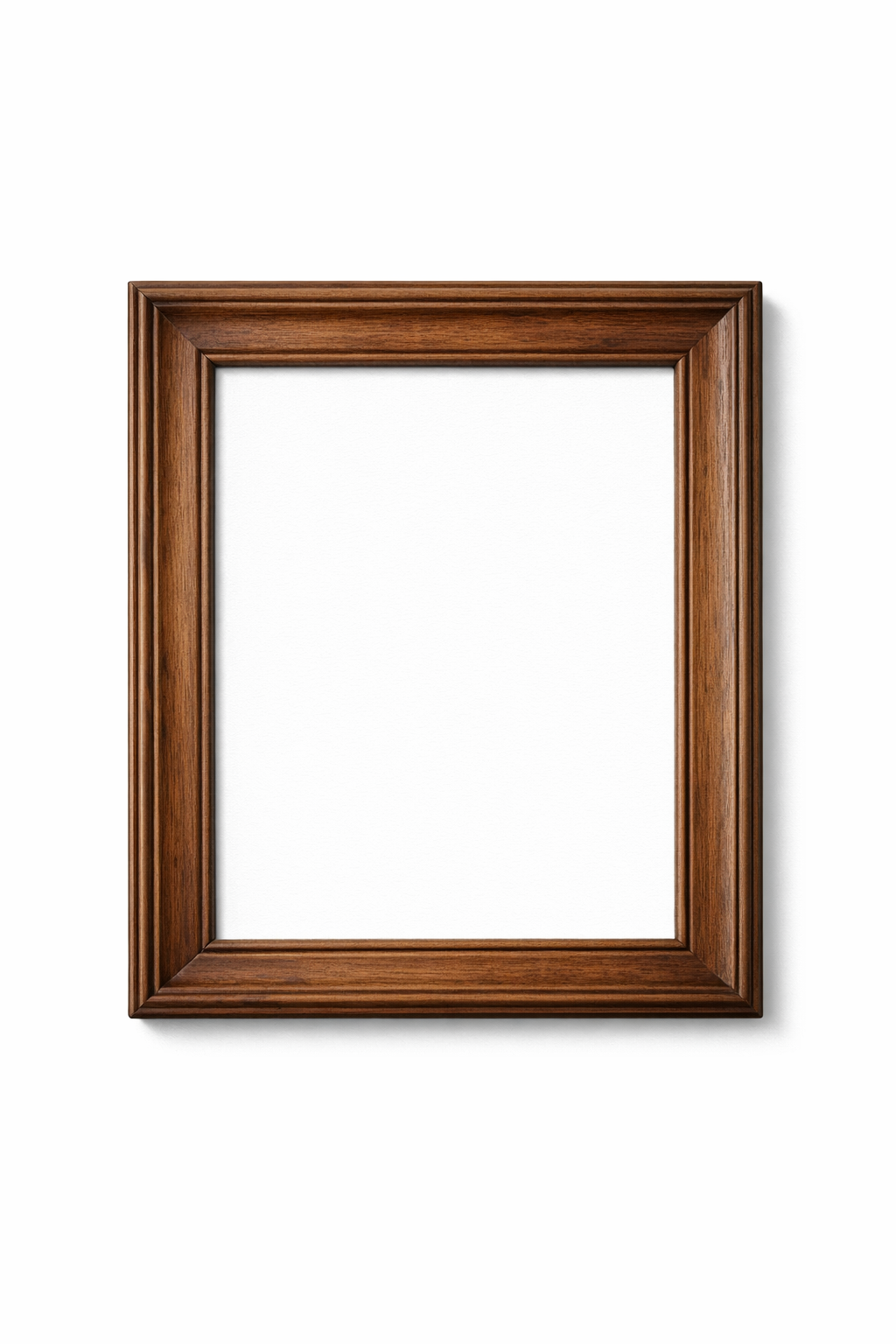
 Classic Frames
Best for: Traditional art, oil paintings, formal portraits, landscapes, and pieces displayed in traditional interiors.
 AI generated
 Modern Frames
Best for: Contemporary art, photography, digital art, graphic prints, and pieces in modern or industrial spaces.
 AI generated
 Minimal Frames
Best for: Bold artwork, photography where the image is the focus, minimalist interiors, and gallery walls.
 AI generated
 Ornate Frames
Best for: Classical paintings, formal settings, museum displays, and pieces requiring dramatic presentation.
Virtual Framing Tips & Best Practices
Use High-Resolution Images
Start with the highest quality image available. Low-resolution images may look pixelated when framed and exported. Aim for at least 1500 pixels on the longest side.
Consider Color Harmony
Frame colors should complement, not compete with, your artwork. Pull frame colors from tones in the image, or use neutral frames for colorful pieces.
Mind the Proportions
Frame width should be proportional to artwork size. Large pieces can handle wider frames; smaller pieces often look better with thinner profiles.
Try Different Frames
Experiment with different frame styles to find the perfect match. Classic frames add elegance, modern frames keep it minimal, and baroque frames make a statement.
Test Wall Colors
Preview your framed artwork against the actual wall color where it will hang. This reveals how the frame and artwork interact with your room's palette.
Try Multiple Options
Don't settle on the first combination. Create several variations and compare them side by side. What seems perfect initially might be outshone by another option.
Virtual Picture Framing FAQ
What is virtual picture framing?
Virtual picture framing is a digital tool that creates realistic previews of how artwork, photographs, or prints will look when placed in picture frames. It allows you to experiment with different frame styles, colors, and mat combinations before committing to physical framing.
What file formats work with virtual framing?
Our tool supports JPEG, PNG, and WebP image formats. These cover virtually all digital images from cameras, phones, scanners, and design software. For best results, use the highest resolution version of your image.
Can I see how it looks on a wall?
Yes! You can preview your framed artwork on different wall backgrounds to see how it will look in various room settings.
Start Virtual Framing Your Artwork Today
Preview artwork in frames instantly. Create professional framed presentations.
Try Virtual Framing