Wall Art Mockup Generator
Visualize your artwork framed and displayed on walls. Preview different frame styles and wall backgrounds.
What is a Wall Art Mockup?
A wall art mockup is a visual representation showing how artwork, photography, or prints will appear when framed and displayed on a wall. Mockups help artists, sellers, and decorators preview the final product before printing or purchasing.
Frame Preview
See your art in different frame styles, colors, and materials before committing to expensive framing.
Room Context
Visualize artwork in realistic room settings to understand scale, proportion, and color harmony.
Professional Output
Export high-quality mockup images for portfolios, online listings, or client presentations.
Who Uses Wall Art Mockups?
Wall art mockups are essential tools for creative professionals and hobbyists alike.
Artists & Illustrators
Showcase artwork in realistic framed presentations for portfolios, social media, and online galleries.
Learn more for artists →Photographers
Create framed previews for client galleries and wall art presentations.
Learn more for photographers →Print-on-Demand Sellers
Generate professional listing images for Etsy, Redbubble, Society6, and other marketplace platforms.
Learn more for sellers →Interior Designers
Create art visualization mockups for client presentations and design proposals.
Learn more for designers →Homeowners
Preview how photos and prints will look framed before ordering custom framing or buying artwork.
View in room tool →Social Media Creators
Create eye-catching framed art images for Instagram, Pinterest, and other visual platforms.
How to Create a Wall Art Mockup
Generate professional wall art mockups in four simple steps. No design skills required.
Select Your Artwork
Start by selecting your artwork, photo, illustration, or design. JPEG, PNG, and WebP formats are supported. Use high-resolution images for the best quality mockups.
Choose a Frame Style
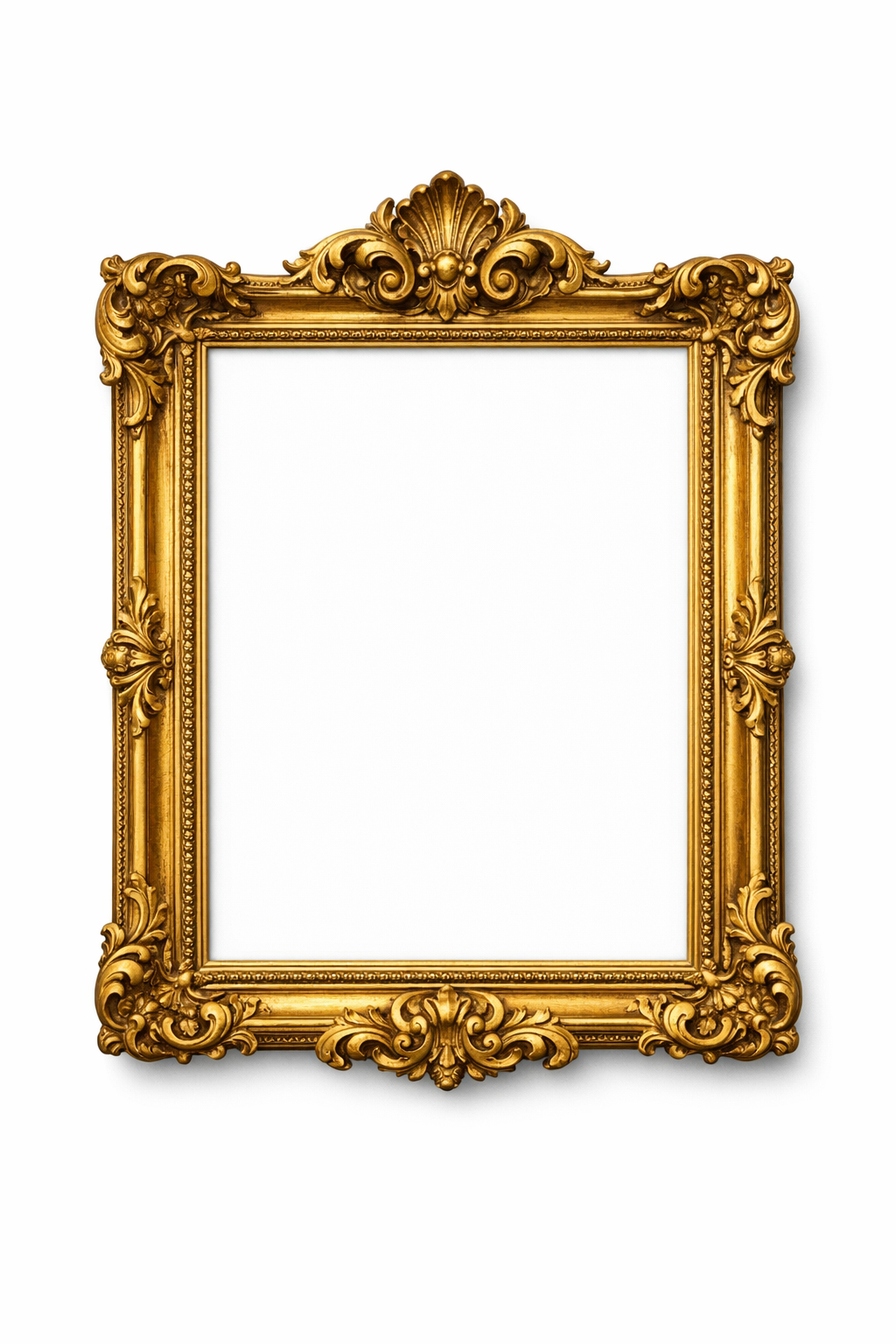
Browse frame styles including modern, classic, minimal, and ornate options. Select frame colors and materials that complement your artwork and intended setting.
Preview on Wall
Preview your framed artwork against different wall colors to see how it will look in various room settings.
Download Your Mockup
Download your finished wall art mockup. Use it for online listings, portfolio presentations, social media posts, or client proposals.
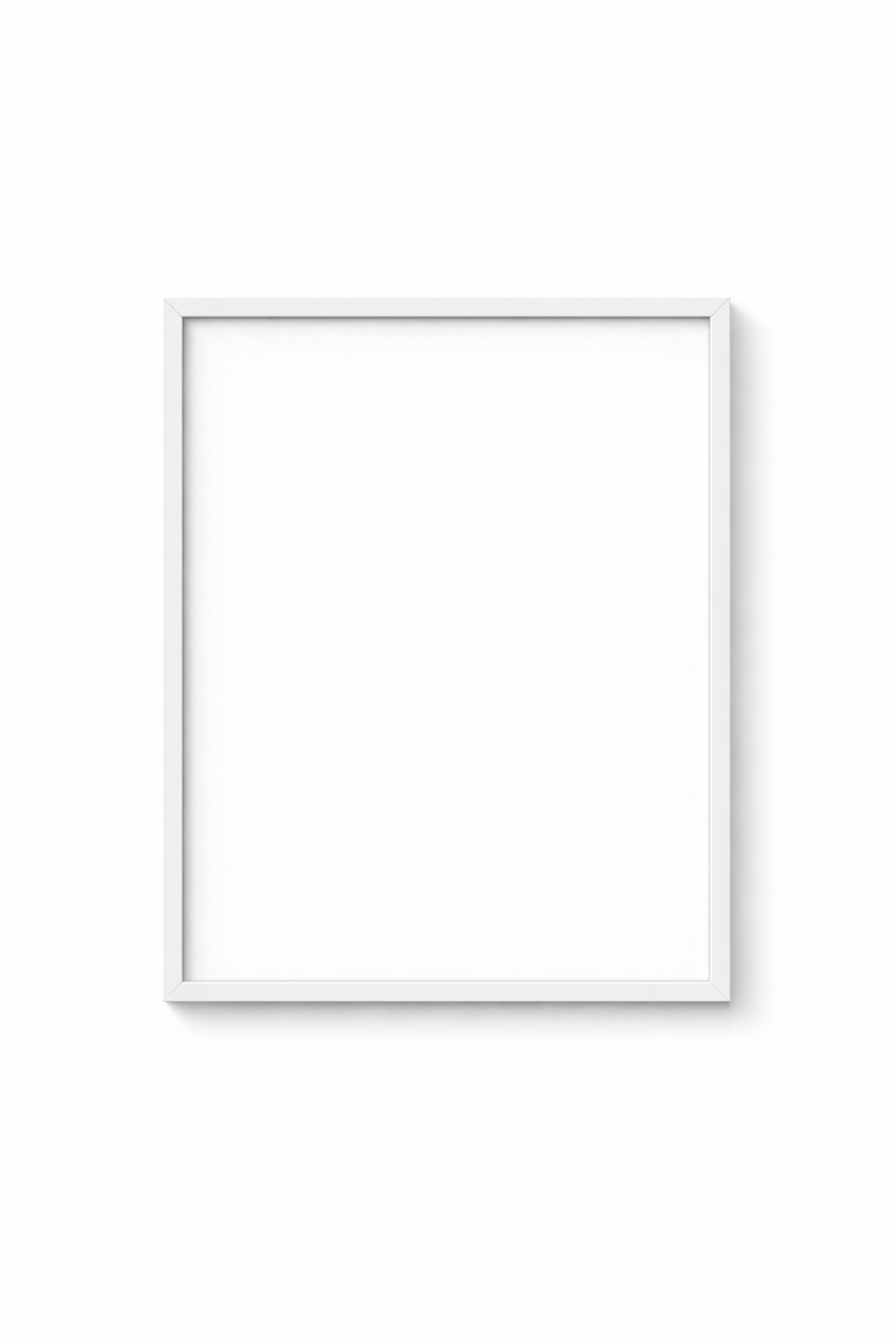
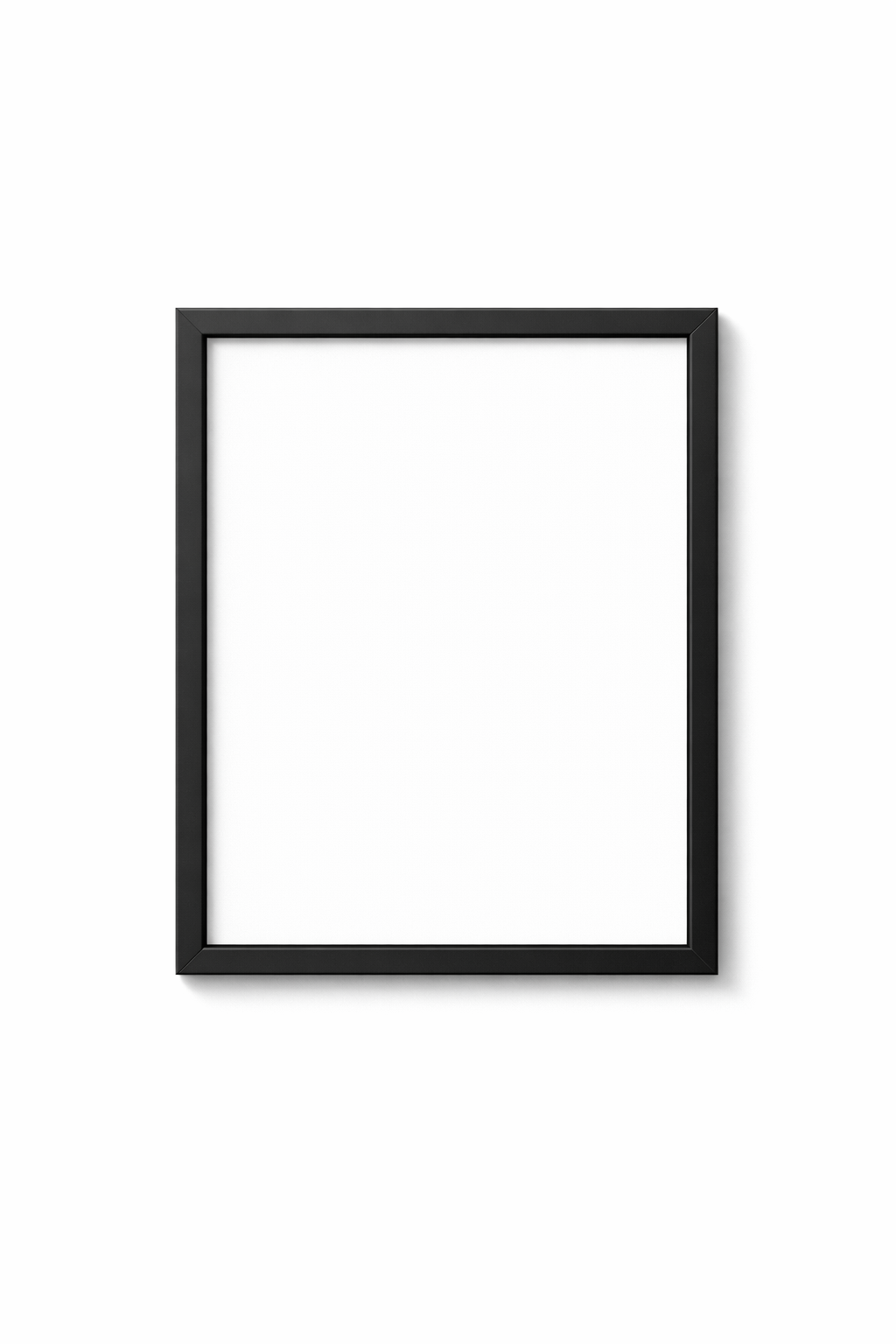
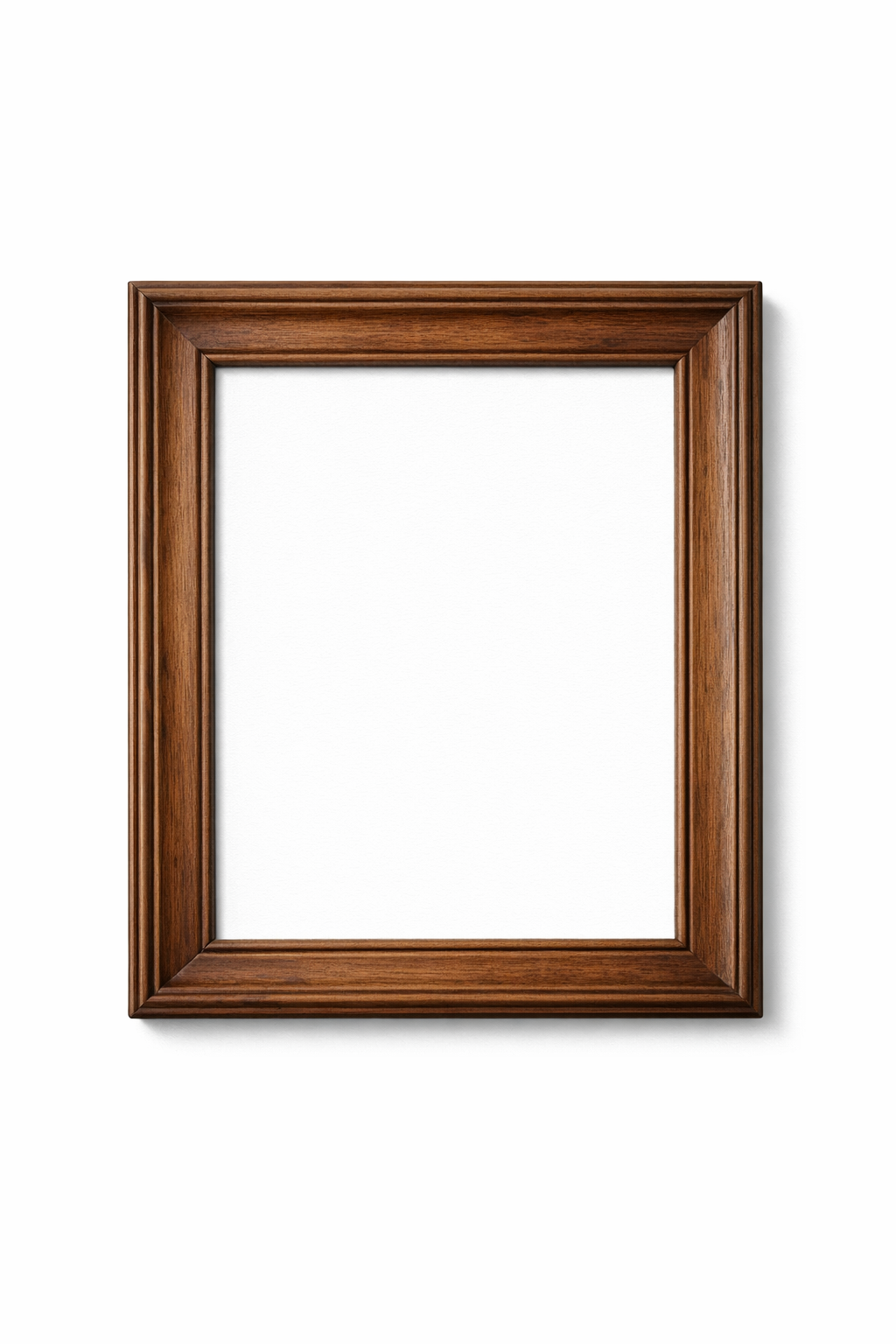
Wall Art Mockup Frame Styles
Choose from a variety of frame styles to match any aesthetic or interior design theme.
Features
Instant Preview
See your artwork in frames immediately as you customize settings.
Easy Export
Download mockups suitable for professional use.
Multiple Frame Styles
Wide variety of frame styles, colors, and mat combinations to choose from.
Wall Color Preview
Test your framed artwork against different wall colors.
Wall Art Mockup FAQ
What file formats can I use for mockups?
The wall art mockup generator supports JPEG, PNG, and WebP image formats. For best results, use high-resolution images at least 1500 pixels on the longest side.
How do I show my art on a wall background?
After framing your art, use the wall preview feature to place the framed piece against different wall colors. This simulates how your artwork will look when hung in a real room setting.
What's the difference between a mockup and a mock-up?
"Mockup" and "mock-up" are both correct spellings of the same term. Both refer to a visual representation or prototype used to preview how a design will look in its final form.
What wall backgrounds are available?
The tool includes various wall background options including white, gray, beige, and brick textures. You can preview how your framed artwork looks against different wall colors.
Create Your Wall Art Mockup Today
Preview your artwork in frames on different wall backgrounds.
Try It Now