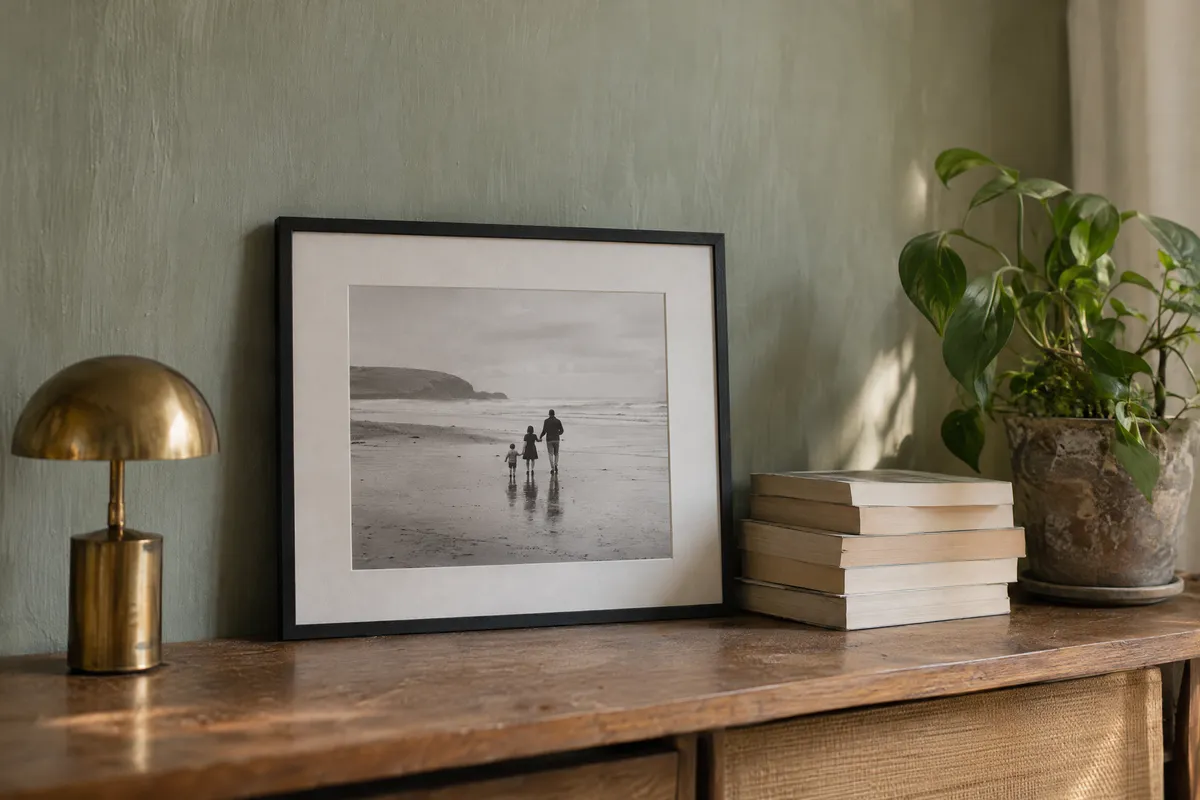
Picture Frame Generator
Give your photo or artwork a frame. Compare styles, adjust the mat around your image, and download the result as a PNG or JPG.
Frame your imageFree to use. No account required.
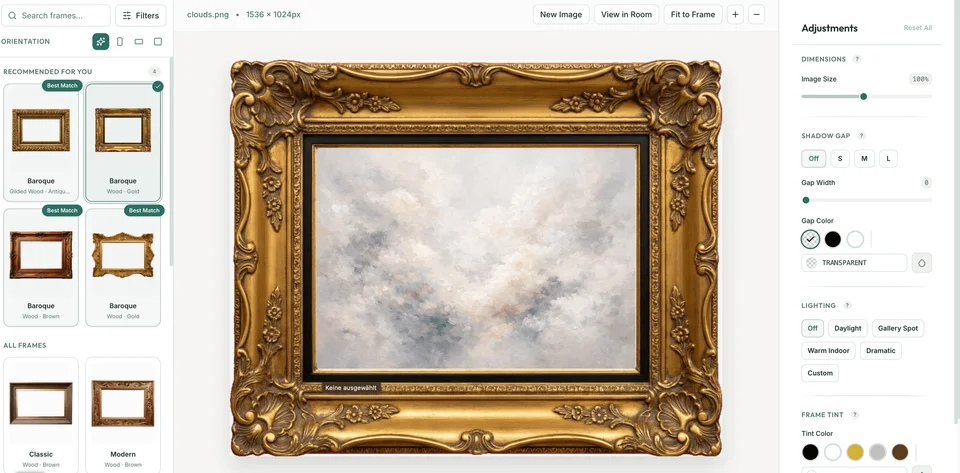 AI generated
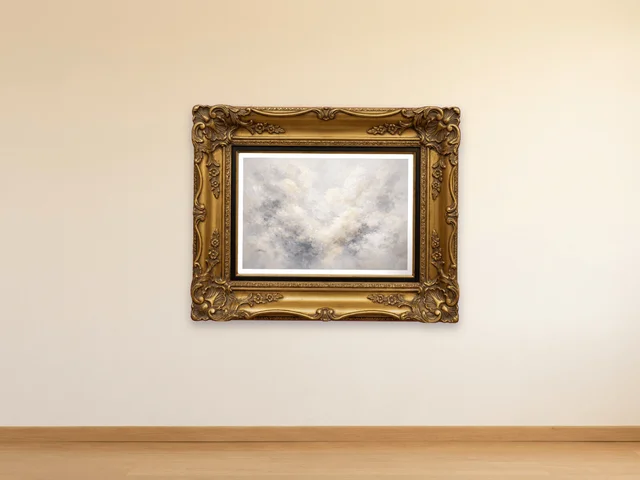 AI generated
How to frame your image
- 1
Open your image
Choose a JPG, PNG or WebP file up to 15 MB. Your image is processed in your browser. For photo-specific guidance, see frame a photo online.
- 2
Choose the frame and mat
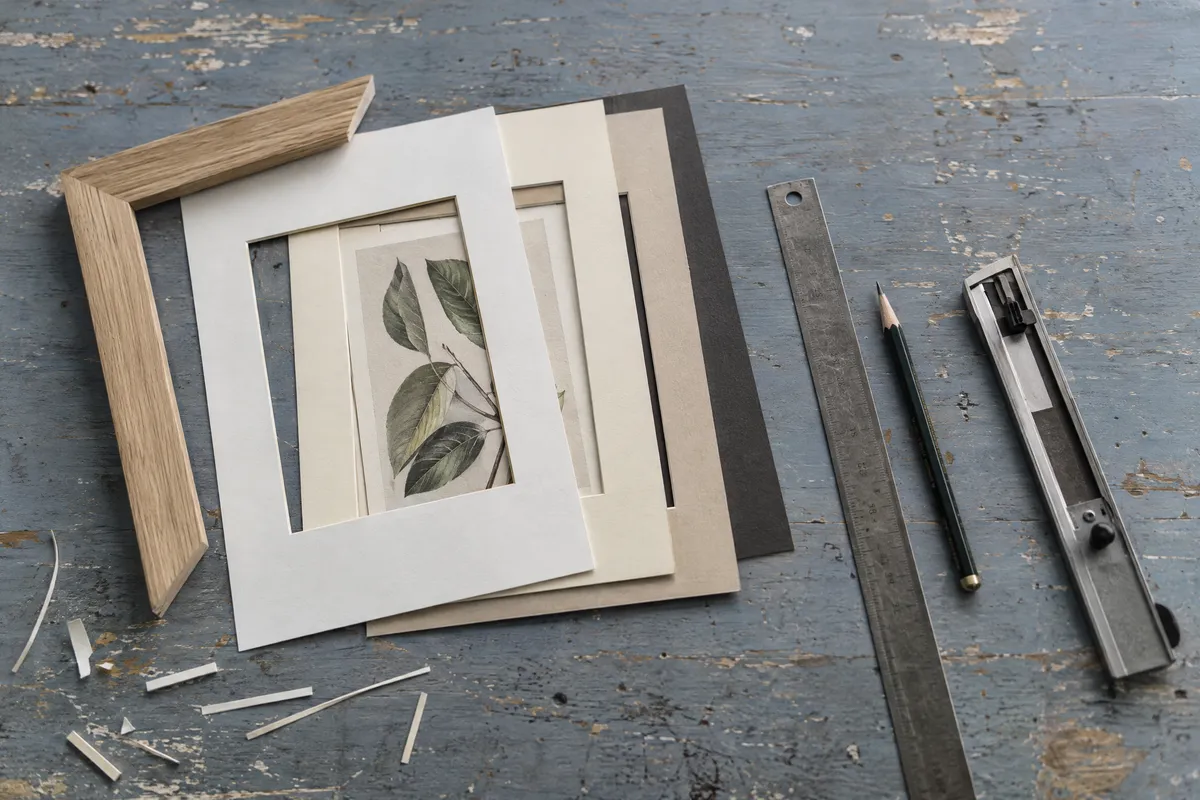
Select a frame, open Adjust, then use Mat to add a mat (passe-partout) in the width and color you like, or Shadow Gap to let the picture float in the frame with a narrow gap. Check the edges of your image as you change the fit.
- 3
Download your result
Choose Download. Choose a size and PNG or JPG, then select Download now. You can frame another image afterwards.
Frame styles
Find a frame for your image
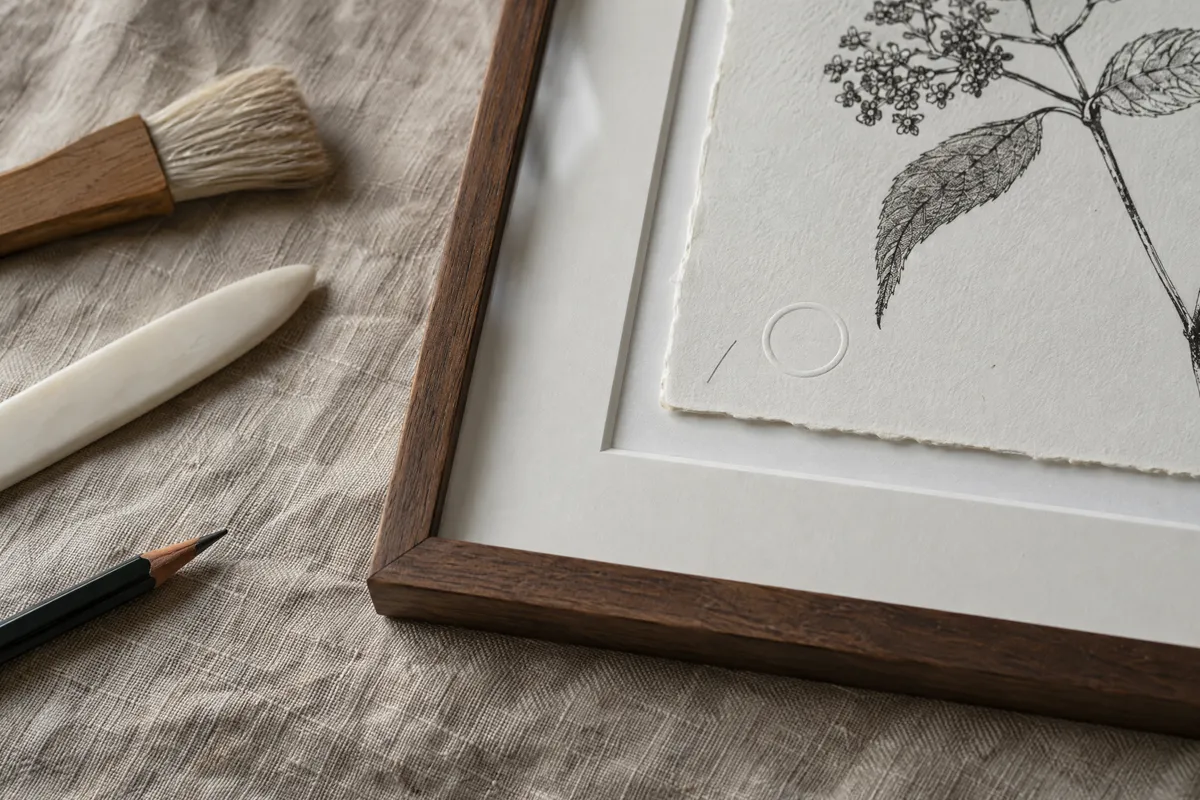
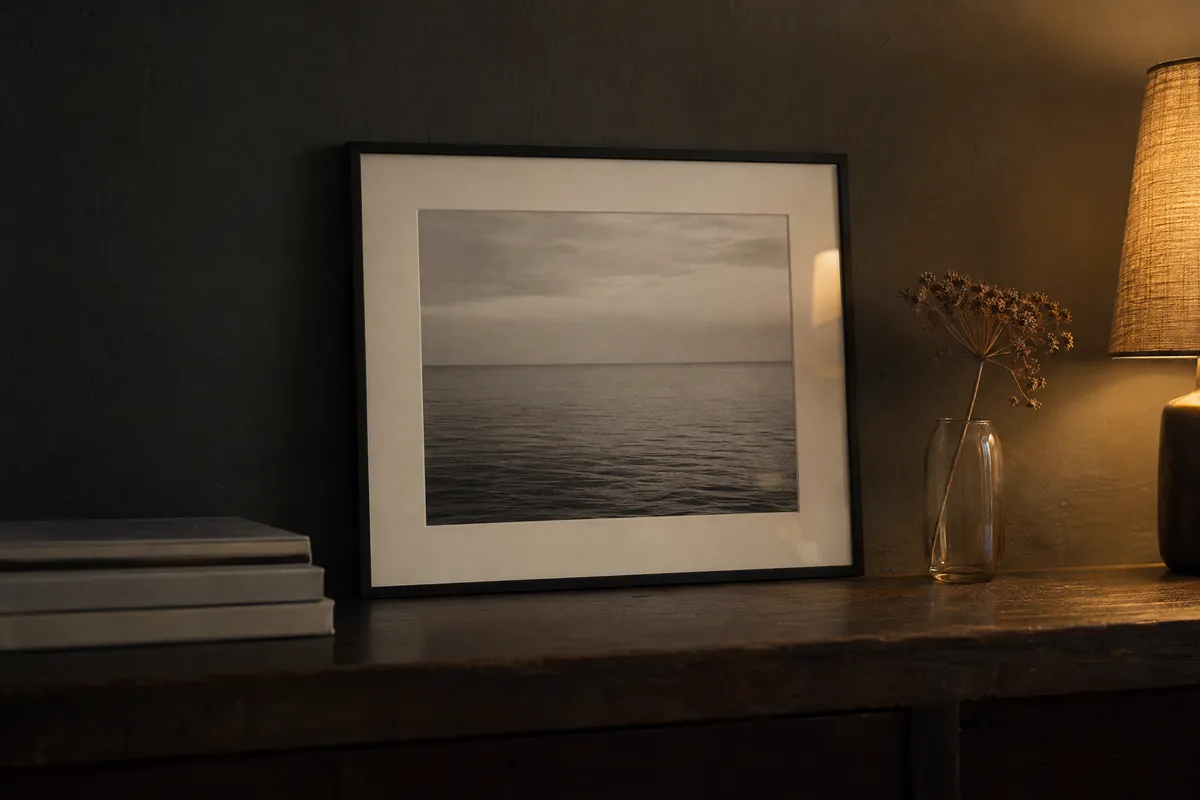
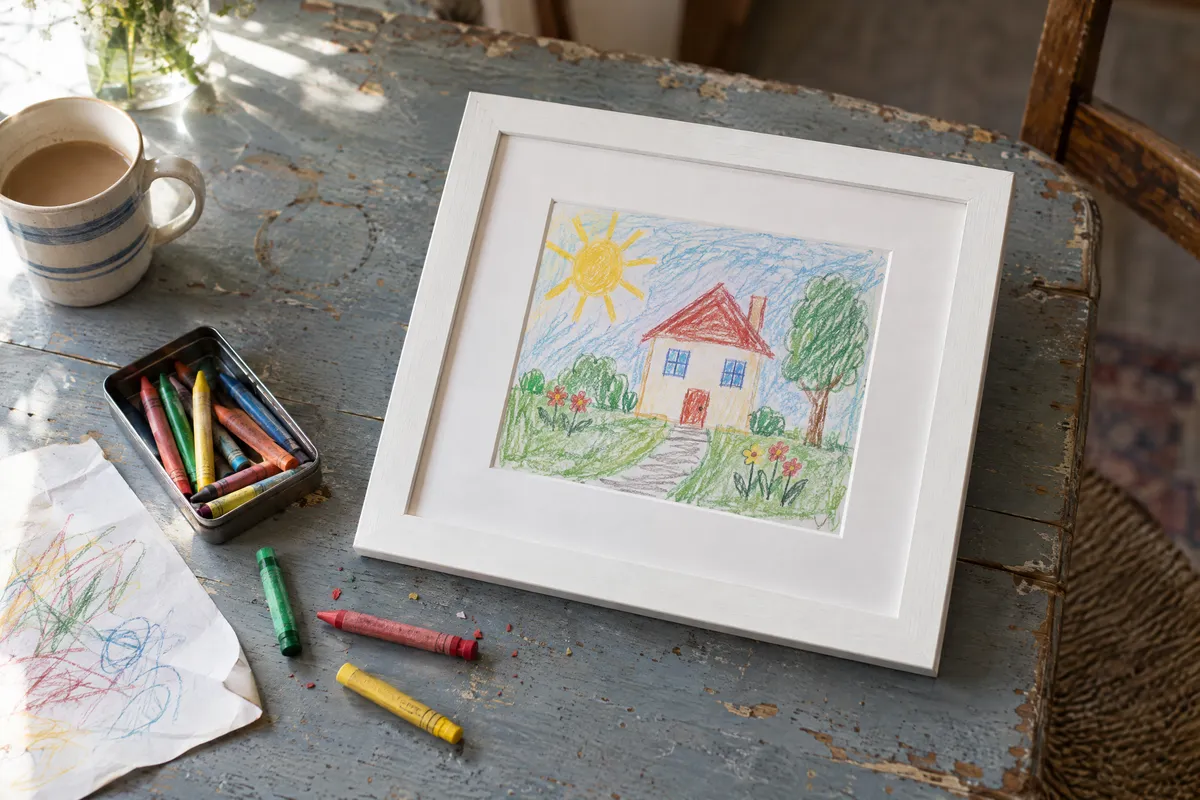
Explore wood, black and gold frames, from plain profiles to decorative borders. Compare them on your own photo or artwork in the generator.
Adjust the mat and check the edges as you change styles. The frame opening can change the visible crop.
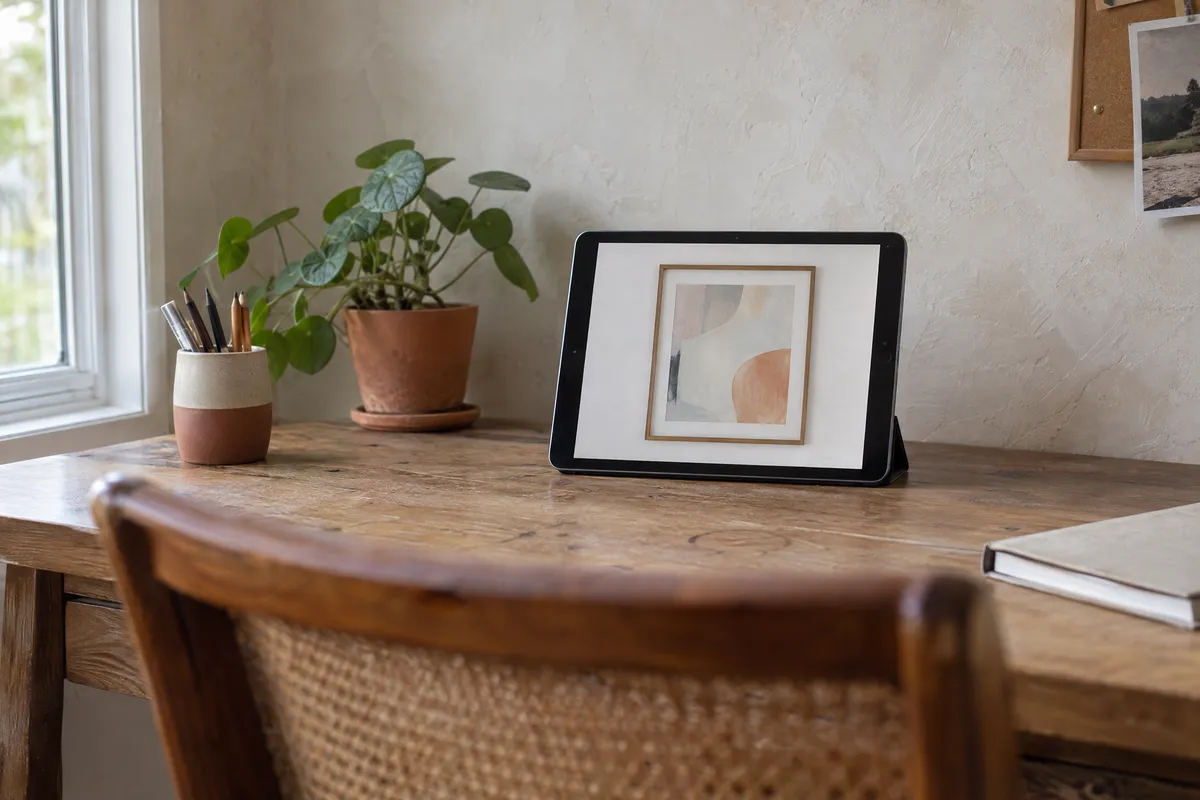
Explore frames and mats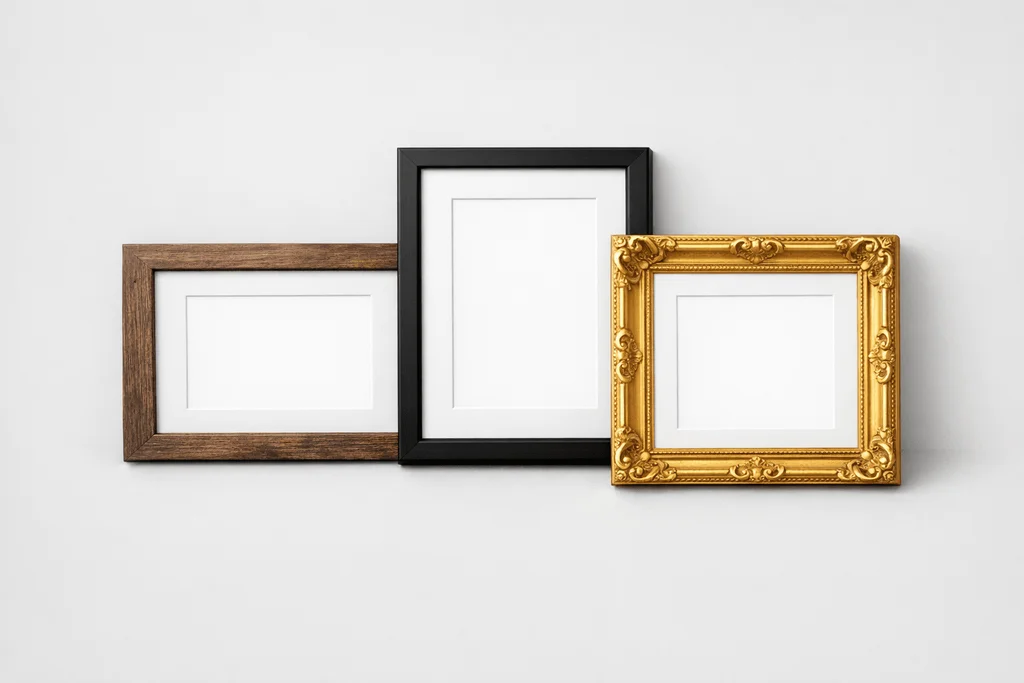 AI generated
Want to see it on a wall?
Choose Room in the editor to place your image on a room background. This is a 2D preview for comparing placement and appearance. Check real dimensions separately before buying a frame or hanging art.
Explore the room preview Open the generatorBefore you export
Is the picture frame generator free?
Yes. You can select an image, try frames and download the result for free, without creating an account. The site is supported by advertising.
Which download size should I choose?
Standard uses the preview size. Maximum quality depends on your source image. Fixed options include 1080 × 1080, 1080 × 1920, 2480 × 3508 and 2400 × 3000 pixels. Choosing a larger output cannot recover detail missing from the original.
Can I print the framed image?
You can download it for printing, but sharpness depends on the source image and the physical print size. Check the exported pixel dimensions and your printer’s requirements. The preview does not provide physical frame or mat cutting measurements.
Can I download the room preview too?
Yes. Choose Room, then Download to save a PNG. The PNG/JPG choice and size presets described above apply to the framed image export.