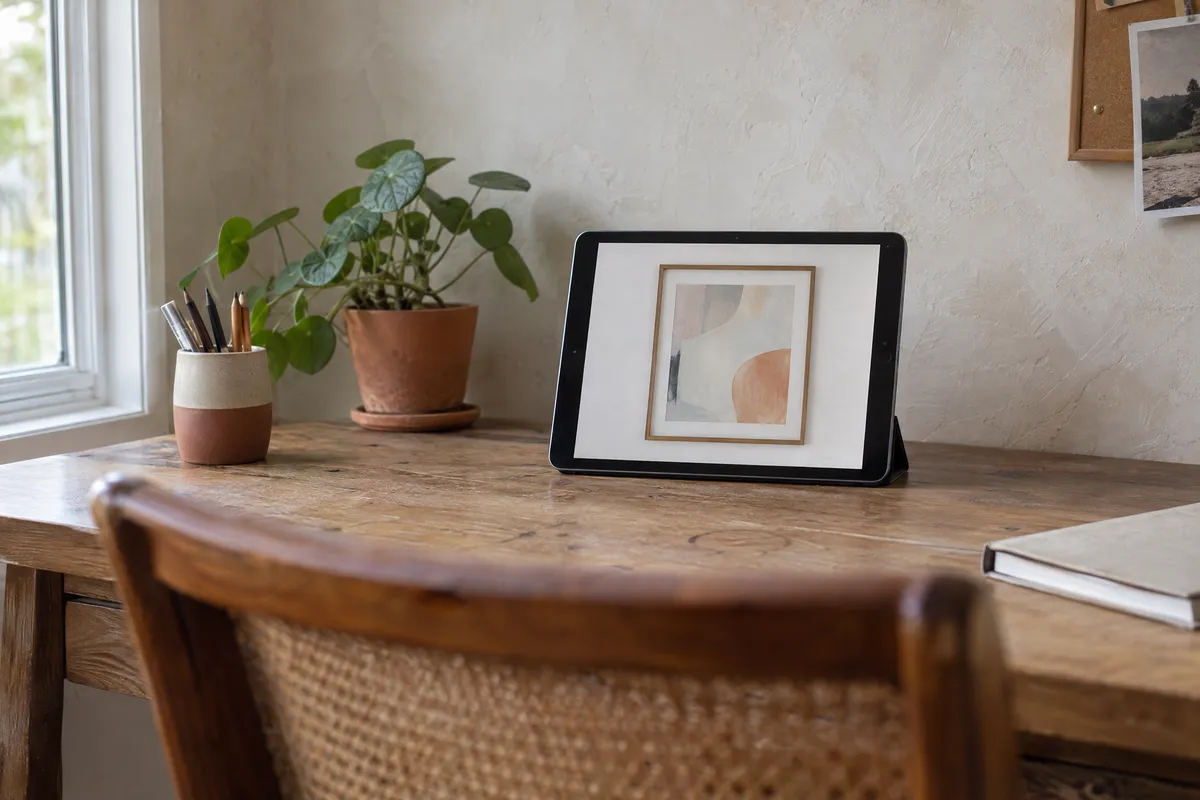
Whether you're an artist building a portfolio, a photographer showcasing prints, or an online seller creating listing images, art mockups have become essential tools for presenting your work professionally. This comprehensive guide covers everything you need to know about creating stunning art mockups that help you sell more and present your work with confidence.
What Are Art Mockups?
Art mockups are digital representations that show how your artwork, photography, or prints will appear in real-world contexts. Instead of showing a flat, lifeless image file, mockups present your work as it would actually be experienced: framed on a wall, displayed in a room, or hanging in a gallery.
Think of mockups as virtual staging for your art. Just as real estate agents stage homes to help buyers envision living there, art mockups help viewers imagine your work in their own spaces. This visualization can increase the perceived value of artwork and helps potential buyers make confident purchasing decisions.
The Psychology Behind Mockups
When someone sees a flat digital image of artwork, their brain has to do significant work to imagine how it might look in real life. This cognitive effort creates friction in the buying process. Mockups eliminate this friction by showing the artwork exactly as it would appear, complete with frame, mat, shadows, and room context.
For art, context matters because the emotional connection to artwork depends heavily on how it will feel in a space.
Types of Art Mockups
Understanding the different types of mockups helps you choose the right approach for your specific needs.
1. Frame Mockups
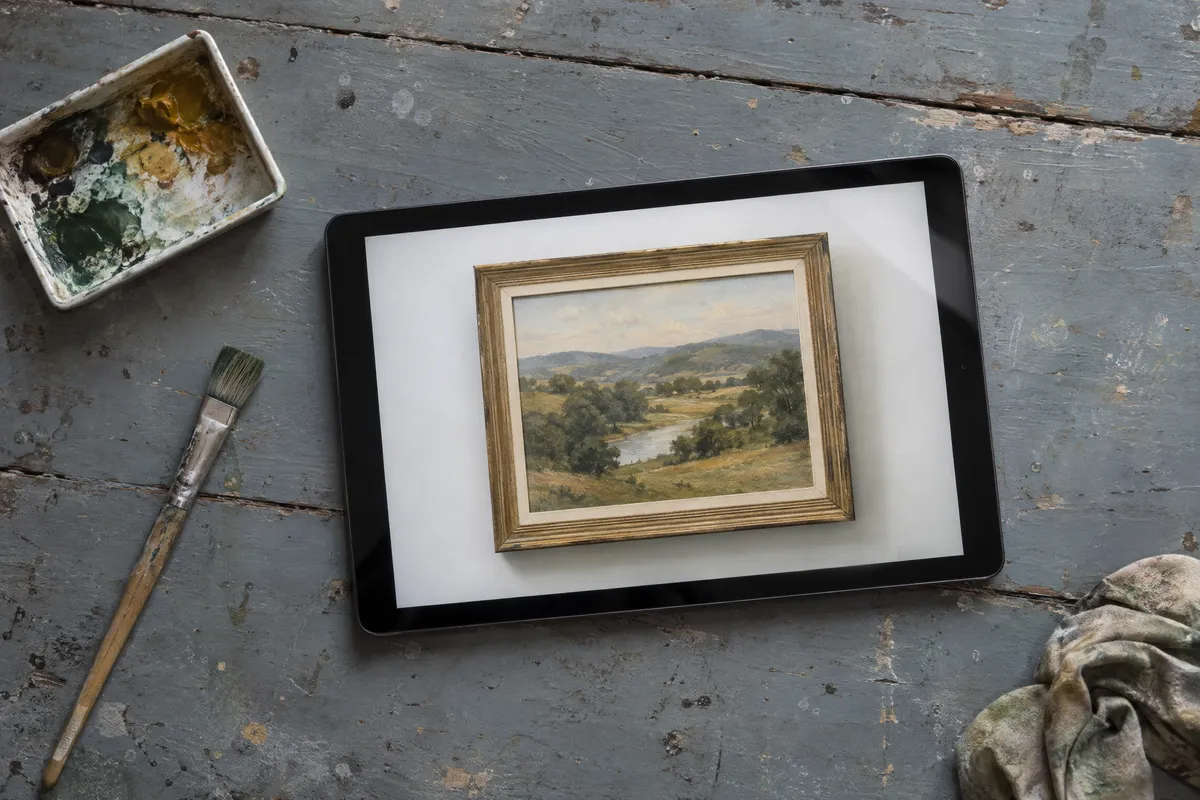
Frame mockups show your artwork inside a picture frame, complete with mat boards, shadows, and realistic frame textures. These are the most common type of art mockup because framing is how most artwork is actually displayed.
Best for:
- Artists selling prints or originals
- Photographers offering framed prints
- Portfolio presentations
- Social media content
Our Picture Frame Generator creates high-quality frame mockups instantly, allowing you to test different frame styles before committing to physical framing.
2. Wall Art Mockups
Wall art mockups take framed artwork and place it on a wall, showing scale and context. These mockups help viewers understand how large or small a piece will appear in a real environment.
Best for:
- Showing size and scale
- E-commerce listings
- Interior design presentations
- Helping buyers visualize placement
Try our Wall Art Mockup Generator to create compelling wall presentations of your work.
3. Room Visualization Mockups
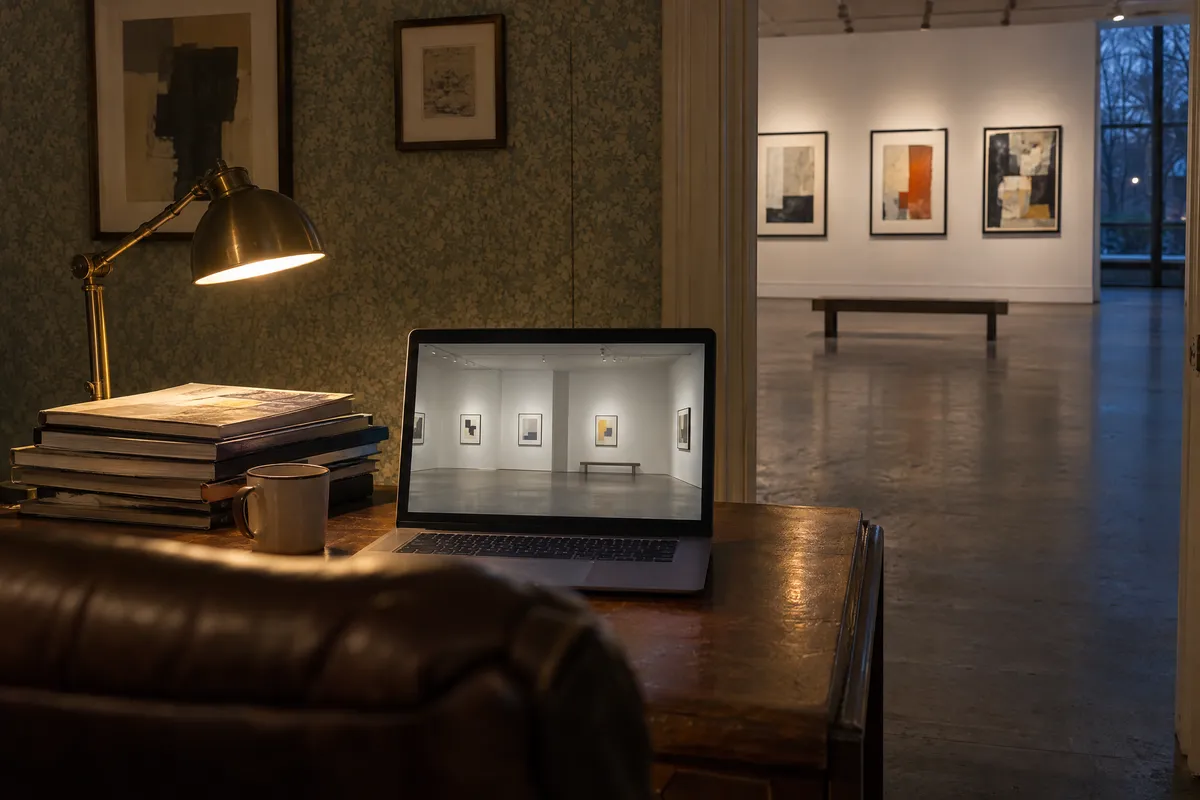
Room visualization mockups place your artwork in complete room settings: living rooms, bedrooms, offices, or galleries. These provide the most context and help buyers imagine the artwork in spaces similar to their own.
Best for:
- Premium artwork sales
- Interior design projects
- Real estate staging
- Gallery exhibitions
Our View in Room feature lets you preview artwork in various room settings with different wall colors and lighting conditions.
4. Lifestyle Mockups
Lifestyle mockups show artwork in styled scenes with furniture, plants, and decorative elements. These create aspirational images that appeal to buyers' emotional desires.
Best for:
- Social media marketing
- Brand building
- Pinterest and Instagram content
- High-end art sales
Advertisement
Why Artists Need Art Mockups
1. Increased Sales Conversions
The most compelling reason to use mockups is simple: they help sell art. When potential buyers can visualize artwork in their homes, they can decide with more confidence.
2. Professional Presentation
Mockups instantly elevate your work's perceived professionalism. A beautifully framed artwork presentation signals that you take your art seriously, which builds buyer confidence and justifies higher prices.
3. Social Media Engagement
Framed artwork can stand out among flat image posts on Instagram, Pinterest, and Facebook. The dimensional quality of mockups creates more visually interesting content that stops scrollers mid-scroll.
4. Time and Cost Savings
Physical framing for every piece you want to showcase is expensive and time-consuming. With virtual framing tools, you can create unlimited frame variations in minutes without any material costs.
5. Client Visualization
For commissioned work or custom prints, mockups help clients see exactly what they're getting before production. This reduces misunderstandings, prevents returns, and increases client satisfaction.
How to Create Art Mockups
Creating professional art mockups doesn't require expensive software or design skills. Here's a step-by-step guide using our free Picture Frame Generator.
Step 1: Prepare Your Artwork Image
Start with the highest quality image of your artwork possible. For the best mockups:
- Use images at least 2000 pixels on the longest side
- Ensure colors are accurate (color-calibrated if possible)
- Remove any background elements or crop tightly to the artwork
- Save in JPEG or PNG format
Step 2: Choose Your Frame Style
Different artwork calls for different frames. Consider:
- Classic frames: Traditional wood profiles work well with landscapes, portraits, and representational art
- Modern frames: Clean lines suit contemporary, abstract, and minimalist work
- Minimal frames: Thin profiles let bold artwork speak for itself
- Baroque frames: Ornate frames add drama to classical or formal pieces
Step 3: Select Mat Colors
Mat boards (also called mounts) create breathing room between artwork and frame. They:
- Draw the eye into the artwork
- Add perceived value and professionalism
- Allow color coordination with the piece
- Provide archival protection in physical framing
For mockups, choose mat colors that complement your artwork without competing with it. White and off-white work universally, while colored mats can enhance specific tones in your piece.
Step 4: Adjust Dimensions
Consider where you'll use the mockup:
- Portfolio: Full-size, high-resolution exports
- Social media: Square or platform-specific ratios
- Etsy/e-commerce: Multiple angles and sizes
- Client presentations: Match actual print dimensions
Step 5: Preview and Export
Before exporting, preview your mockup against different wall colors to ensure it works in various contexts. Then download in the highest quality available for your intended use.
Best Practices by Use Case
For Online Art Sales
If you're selling on Etsy, Shopify, or other platforms, mockups are essential for competitive listings.
Do:
- Include both mockup and flat artwork images
- Show multiple frame options when selling unframed prints
- Use room mockups to demonstrate scale
- Create lifestyle images for Pinterest and social sharing
- Maintain consistent mockup styles across your shop
Don't:
- Use cluttered or distracting room backgrounds
- Overprocess mockups with heavy filters
- Forget to include actual dimensions in listings
- Use mockups that mislead about included framing
Learn more in our guide for online sellers.
For Artist Portfolios
Your portfolio is often your first impression with galleries, collectors, and clients.
Do:
- Use consistent frame styles throughout for cohesion
- Match frame choices to your artistic style and brand
- Include a mix of detail shots and room contexts
- Update mockups when refining your presentation
Don't:
- Mix too many different mockup styles
- Use frames that clash with your aesthetic
- Neglect mobile viewing (ensure mockups are visible on phones)
Explore our dedicated resources for artists.
For Photography Sales
Proper mockups can help photographers sell more prints.
Do:
- Show images in frames appropriate to photography (often simpler profiles)
- Create gallery wall groupings for session images
- Demonstrate different size options
- Help clients visualize portraits in their homes
Don't:
- Use ornate frames that distract from photographs
- Forget that clients want to see their specific images framed
- Overlook the power of showing groupings for family sessions
See our specialized guide for photographers.
For Interior Design
Design professionals use mockups to secure client approval before purchasing.
Do:
- Match frame styles to the client's interior aesthetic
- Show accurate scale relative to furniture
- Present multiple options for comparison
- Use mockups that reflect actual wall colors
Don't:
- Present unrealistic scale or proportions
- Use generic room settings when client spaces are available
- Forget that designers need high-resolution exports
Discover tools for interior designers.
Choosing the Right Frame for Your Art
Frame selection significantly impacts how artwork is perceived. Here's a quick guide:
By Art Medium
- Oil paintings: Classic wood frames, gold or dark finishes
- Watercolors: Simple frames with generous mats
- Photography: Modern frames, often black or white
- Digital art: Minimal or modern frames
- Abstract art: Floating frames or minimal profiles
By Interior Style
- Traditional rooms: Classic wood, ornate details
- Modern spaces: Clean lines, metal or black frames
- Minimalist interiors: Thin frames or frameless gallery style
- Rustic settings: Natural wood, distressed finishes
- Eclectic spaces: Bold frame colors, mixed styles
By Color Harmony
- Warm artwork: Consider gold, bronze, or warm wood tones
- Cool artwork: Silver, black, or cool gray frames
- Black and white: Black, white, or silver frames
- Colorful pieces: Neutral frames that don't compete
For more detailed guidance, see our complete guide to picture frame styles.
Common Mockup Mistakes to Avoid
1. Wrong Scale
Nothing undermines credibility faster than a mockup showing artwork at an unrealistic scale. Always ensure your mockups accurately represent actual dimensions.
2. Over-Processing
Heavy filters, excessive shadows, or unrealistic lighting make mockups look fake and cheap. Aim for realistic, natural-looking presentations.
3. Distracting Backgrounds
The room or wall should complement your artwork, not compete with it. Choose simple, neutral backgrounds that let the art shine.
4. Inconsistent Styles
If you're creating a series of mockups, maintain consistency in frame styles, lighting, and presentation. Mixed styles look unprofessional.
5. Low Resolution
Blurry or pixelated mockups suggest low-quality artwork. Always start with high-resolution source images and export at appropriate quality.
Tools for Creating Art Mockups
Free Options
- Picture Frame Generator: Our free tool for frame mockups with wall preview, multiple styles, and high-resolution export
- Canva: Basic mockup templates (limited customization)
- Photopea: Free Photoshop alternative for manual mockup creation
- Mockup World: Free downloadable PSD templates (editing needs Photoshop or Photopea)
Paid Options
- Placeit: Large template library, subscription model
- Adobe Photoshop: Ultimate control, but requires skills
- Artplacer: AR features, monthly fee
For most artists and sellers, our free Picture Frame Generator provides everything needed for professional mockups without any cost or learning curve.
Frequently Asked Questions
What resolution should my artwork image be for mockups?
For best results, use images at least 2000 pixels on the longest side. Higher resolution allows for cropping and ensures crisp exports for print and web use.
Should I always show my art in frames?
Not necessarily. Include both framed mockups and flat artwork images in listings. Some buyers prefer unframed prints, while others want to see framed presentations. Offering both serves all preferences.
How many mockup variations should I create?
For online sales, aim for 3-5 images per listing: one main mockup, one room context, one size comparison, and the flat artwork. Quality matters more than quantity.
Can I use mockups for art I'm selling unframed?
Absolutely. Mockups help buyers visualize the finished result even when you're selling unframed prints. Just be clear in your listing description about what's included.
Are mockups considered misleading?
Not when used honestly. Mockups are industry-standard for showing how artwork will appear when framed and displayed. Just ensure your descriptions accurately state what buyers receive.
Do mockups really increase sales?
They can. The visual context helps buyers make confident purchasing decisions; compare your own listing statistics before and after to see the effect in your shop.
Getting Started
Ready to create professional art mockups? Here's your action plan:
- Start with your best pieces: Choose 3-5 artworks to mockup first
- Prepare high-resolution images: Ensure they're at least 2000 pixels wide
- Try different frames: Use our Picture Frame Generator to experiment
- Create wall mockups: Preview your art in room settings using View in Room
- Export and use: Download high-resolution mockups for your listings, portfolio, or social media
Art mockups are no longer optional for serious artists and sellers. They're essential tools that help you present your work professionally and sell more effectively. With free tools like our Picture Frame Generator, there's no barrier to getting started.
Transform your art presentation today and see the difference professional mockups can make for your creative business.
Ready to create your first mockup? Try the Picture Frame Generator now: it's completely free with no signup required.