
Frame a Photo Online Free
Add beautiful frames to your photos instantly. Select your image and choose a frame style.
How to Frame a Photo Online
Adding a frame to your photo takes just 3 simple steps. No software installation or design skills required.
Select Photo
Click to select or drag and drop any photo from your computer, phone, or tablet. JPEG, PNG, and WebP formats are supported.
Choose Frame
Browse frame styles from modern to classic. Customize frame colors and preview on wall backgrounds.
Download Result
Save your framed photo ready for printing or sharing.
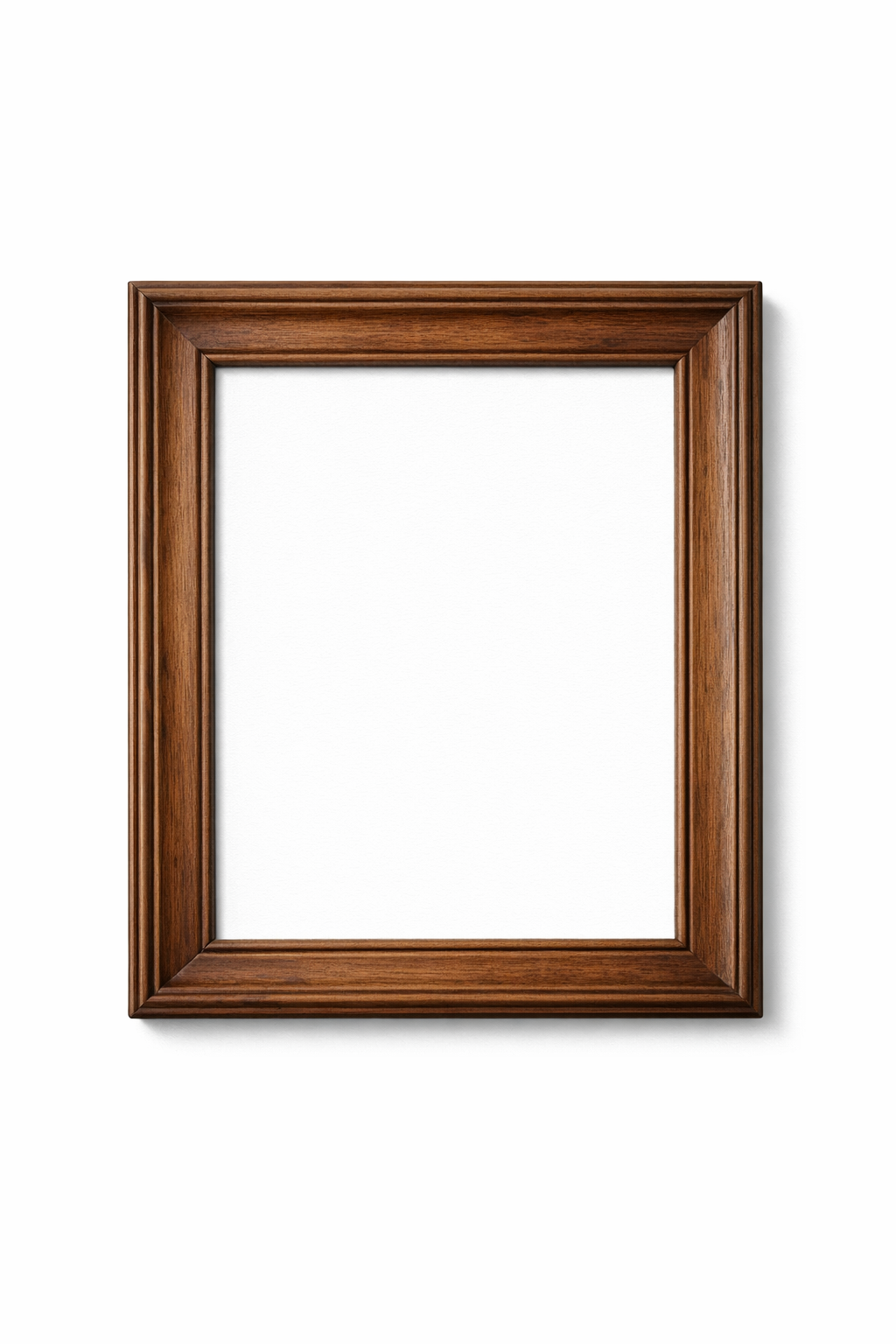
Photo Frame Styles Available
Choose from a wide variety of frame styles to match your photo's mood and your personal taste.


Popular Uses for Framed Photos
People frame photos online for all kinds of projects and occasions.
Family Photos
Add elegant frames to family portraits, wedding photos, and milestone moments. Preview how they'll look before printing.
Social Media Posts
Make your Instagram and Facebook photos stand out with stylish frames. Perfect for quotes, announcements, and highlights.
Digital Gifts
Create beautifully framed photos as thoughtful digital gifts. Send via email or message for birthdays and anniversaries.
Print Planning
Preview how your photos will look framed before ordering custom framing. Save money by choosing the right style first.
Art & Photography
Artists and photographers frame their work for portfolios, online sales, and professional presentations.
Digital Displays
Create framed images for digital photo frames, screensavers, or desktop wallpapers with a classic framed look.
Tool Features
Works in Your Browser
No app to download, no software to install. Frame photos directly in Chrome, Safari, Firefox, or any modern browser on any device.
Real-Time Preview
See changes instantly as you customize frame style, color, and mat options. Adjust until it looks perfect.
High-Quality Downloads
Export your framed photos at full resolution, ready for printing or digital use.
Frequently Asked Questions
How do I add a frame to my photo online?
Simply click the "Frame Your Photo Now" button, upload your image, select a frame style you like, and download the result. The entire process takes less than a minute.
What photo formats are supported?
The photo framing tool supports JPEG, PNG, and WebP image formats. These cover virtually all photos from phones, cameras, and other sources.
Ready to Frame Your Photo?
Transform any photo with a beautiful frame in seconds. Try it now.
Frame a Photo Now