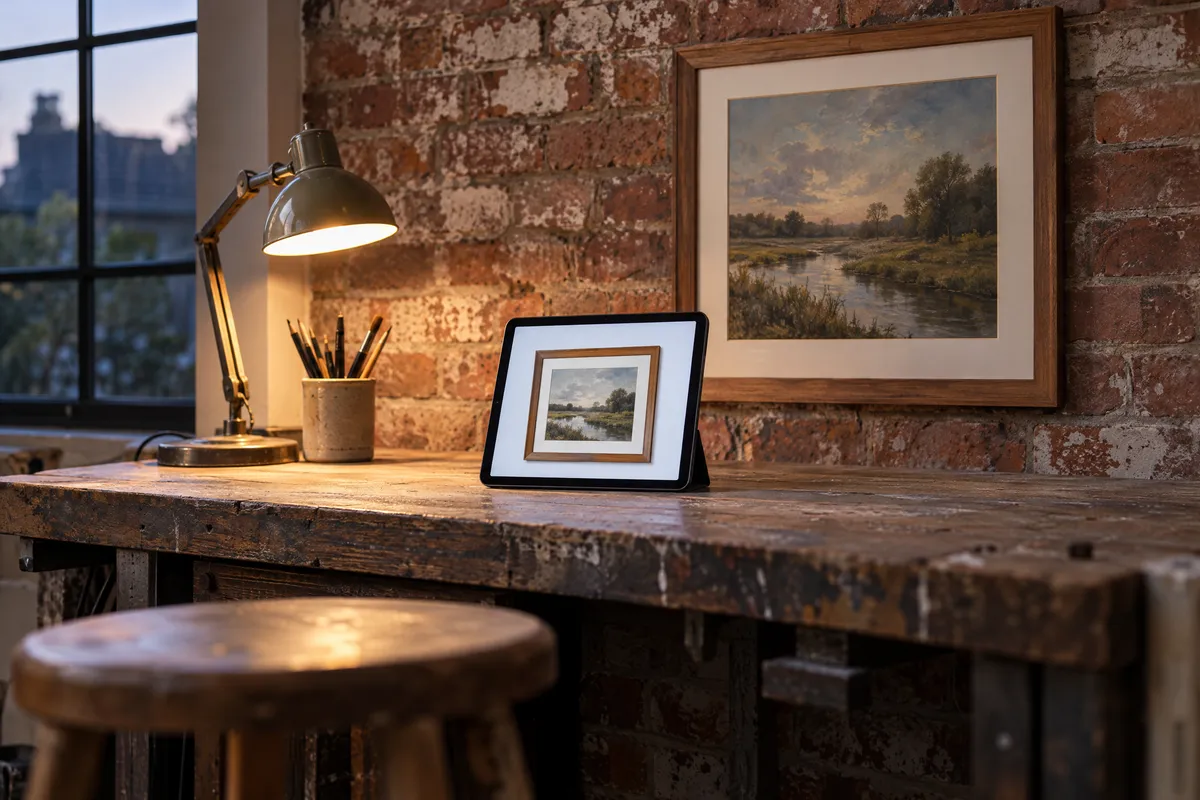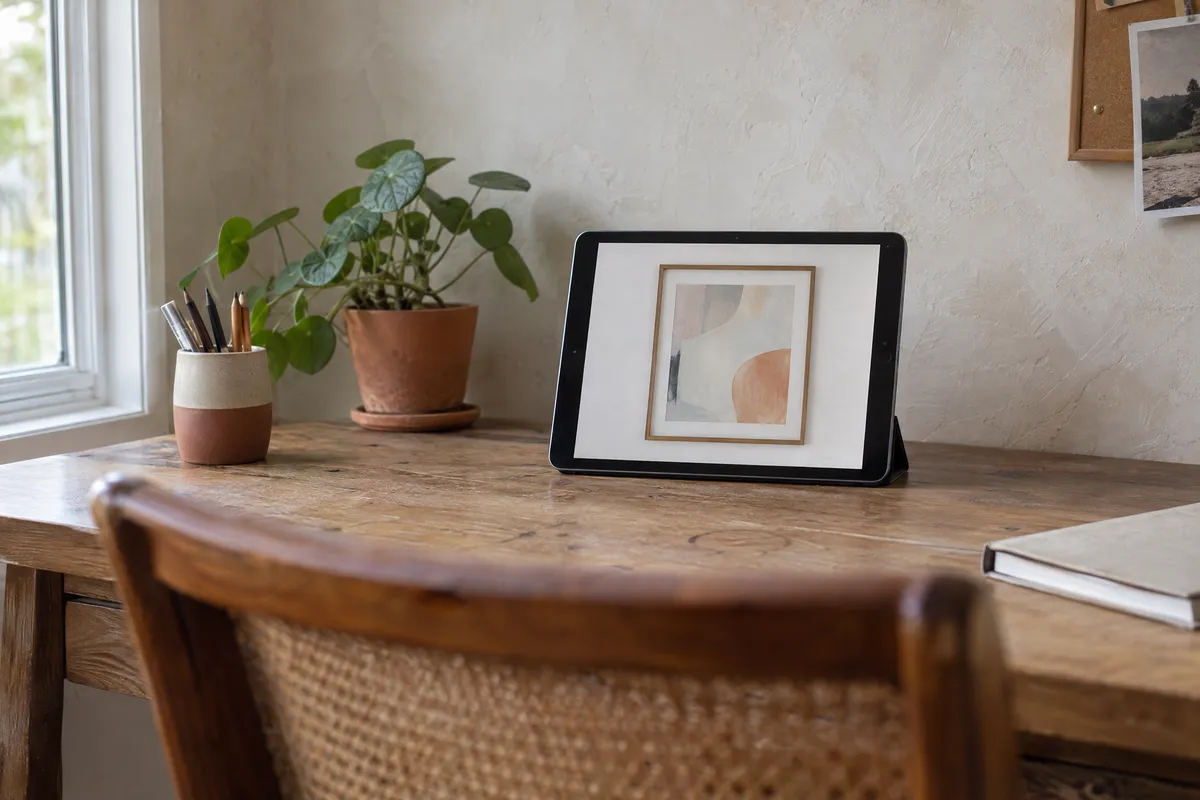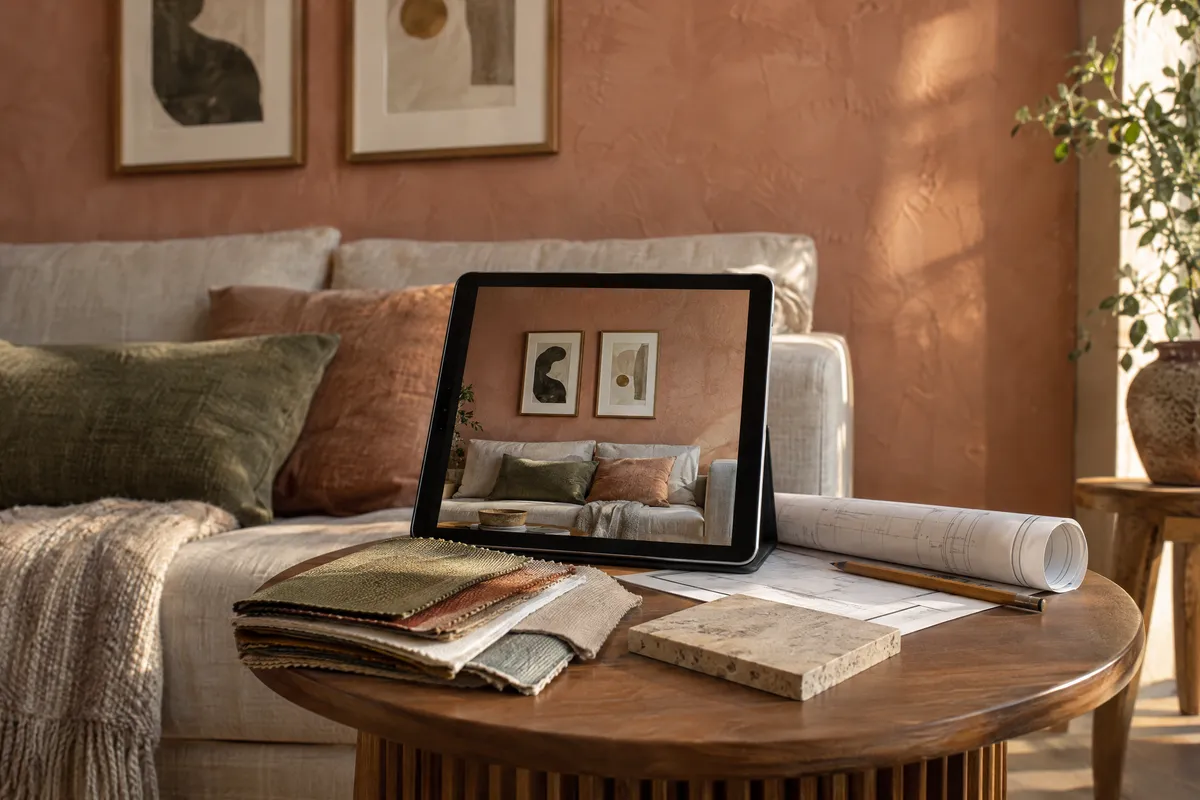
Transform your interior design with PictureFrameGenerator.com! Discover how this cutting-edge visualization tool helps you seamlessly integrate art into any space, elevating your projects to new artistic heights.
Elevate Your Interior Design Projects with PictureFrameGenerator.com: Visualizing Art in Spaces
In the world of interior design, the integration of art into a space can significantly alter its ambiance and define its character. Art visualization is not only about selecting the right artwork but also about envisioning how it complements the environment. PictureFrameGenerator.com offers an innovative solution for interior designers, enabling them to virtually frame and visualize art within various room settings. This digital visualization tool simplifies the process of choosing and displaying artwork, making it a useful resource for interior designers.
Understanding Art Visualization in Interior Design
Art visualization is an essential aspect of interior design that involves projecting potential art arrangements in a given space. With the rise of digital tools, designers can now preview how an artwork will look in a room before making any physical changes. This ability to predict the interplay between art and its surroundings ensures that the final presentation is cohesive and enhances the overall design.
Traditionally, the process of visualizing art in interior design could be both time-consuming and prone to error. Designers had to rely on imagination or physical trials, often wasting valuable resources. The advent of digital tools like PictureFrameGenerator.com offers a seamless and efficient alternative, allowing for precise and creative exploration.
Advertisement
Exploring PictureFrameGenerator.com: Virtual Framing and Beyond
PictureFrameGenerator.com provides a user-friendly platform that assists designers in visualizing how art will look in a specific space. It offers virtual framing options that simulate a range of frame styles, colors, and sizes, giving designers the flexibility to experiment with various aesthetics. Here’s a closer look at how this tool can help your design process:
- Virtual Framing Options: With a plethora of frame styles available, PictureFrameGenerator.com enables designers to select frames that complement or contrast with the artwork, enhancing its impact in the room.
- Room Setting Integration: The platform places the framed art on one of 18 room and gallery walls (2D) or in 3D rooms, or on a photo of your client's own wall, offering a realistic preview of the final look.
- Customized Adjustments: Measurements and scale are crucial in art placement. In the room view, designers can enter the artwork's width in centimeters or inches, drag it into position and resize it by its corners.
- Lighting Presets: Choose a lighting preset (Daylight, Warm Indoor, Gallery Spot or Dramatic) to see how different light changes the artwork and its frame.
Step-by-Step Guide for Interior Designers
To maximize the potential of PictureFrameGenerator.com, follow this expert-level guide tailored for interior designers:
Step 1: Choosing a Room Setting
Begin by choosing the room or wall in Place that comes closest to your client's space: living rooms, a dining room, an entryway, a bedroom, a nursery, an office, a study, a cafe, galleries and a museum wall are available, in 2D or 3D. You can also work on the client's own wall. In Place, choose In a room, then Your room, and select a photo of the wall. Drag the line along something whose length you know, such as a sofa or a door, and type that length, so the artwork hangs at its real size. If the photo was taken at an angle, tick The wall is at an angle, drag the four corners onto a rectangle on the wall, such as a window or a door, and type its width and height. Your own room is shown in 2D.
Step 2: Selecting Art and Frame Combinations
The platform allows you to either upload images of the specific artwork you’re considering or try one of the sample pictures. Explore different frame styles available on PictureFrameGenerator.com and select ones that align with your design vision. Experiment with various frame colors, materials, and styles to find the ideal match.
Step 3: Adjusting Scale and Placement
In art visualization, size and placement are vital. Enter the artwork’s real width in centimeters or inches so it is shown to scale on the wall, then drag it to different positions or try another room to discover the most impactful arrangement.
Step 4: Experimenting with Lighting
Consider how different lighting setups will affect the aesthetics of the artwork. PictureFrameGenerator.com lets you switch between lighting presets, revealing how shadows and highlights play off the artwork and frame. Use it as a guide, and check the real windows, light fixtures, and ambient light sources on site.
Step 5: Finalizing and Sharing Your Design
Once you've finalized your virtual design, PictureFrameGenerator.com lets you download your art visualizations as images (or a short room tour video) to send to clients and collaborators. This feature is particularly beneficial for presenting multiple design options, enhancing communication, and facilitating client decision-making.
Leveraging PictureFrameGenerator.com for Artistic Excellence
PictureFrameGenerator.com offers interior designers an advanced digital visualization tool that can transform the way art is integrated into design projects. By reducing the guesswork and allowing precise customization of art and framing choices, designers can efficiently navigate the complex interplay of aesthetics in each project.
Additional Tips for Optimal Art Visualization
Here are some expert tips to go above and beyond using PictureFrameGenerator.com in your interior design projects:
- Consider the Room’s Functionality: Different rooms serve different purposes, and the art should reflect or enhance this. Occasionally swap between images of rooms with varying styles to evaluate which art resonates best in each functional space.
- Complementary Color Schemes: Use color theory to ensure the artwork harmonizes with the room's palette. PictureFrameGenerator.com can help visualize subtle changes in color dynamics between the art and room.
- Incorporate Client Preferences: While it's essential to let your expertise guide the process, incorporating a client's personal taste or preferred style can add a layer of personalization that resonates deeply.
Conclusion: A New Era in Art Visualization
In conclusion, PictureFrameGenerator.com provides a powerful platform for interior designers to envision and execute sophisticated art integrations in their projects. Through virtual framing and customization capabilities, designers can craft compelling visual narratives within any space.
As digital visualization tools become increasingly integrated into the interior design process, PictureFrameGenerator.com exemplifies how technology can enhance creativity and efficiency. For designers eager to refine their approach to art placement and maximize aesthetic appeal, this tool is a useful aid. Embrace the future of art visualization with PictureFrameGenerator.com, and elevate your design projects to new artistic heights.