
How to Photograph Your Art for Etsy: Complete Guide
Great art photography is the difference between a sale and a scroll-by. Learn professional techniques to photograph your artwork for Etsy, including lighting setups, camera settings, and mockup creation.
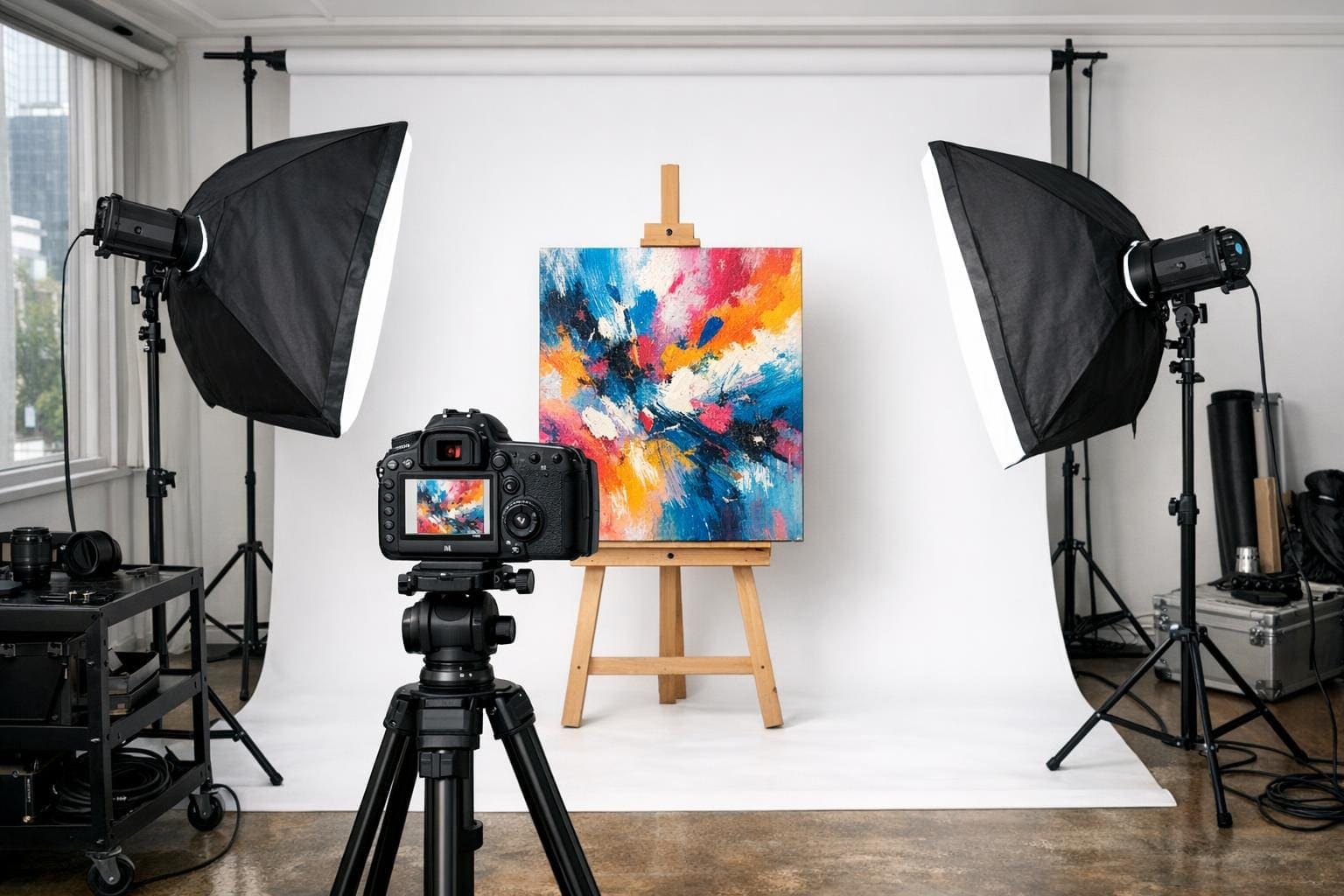 AI-generated image
Why Art Photography Matters on Etsy
Your artwork might be extraordinary, but on Etsy, buyers can't see it in person. They rely entirely on your photos to make purchasing decisions. Poor photography makes even masterpieces look amateur, while excellent photography elevates good work to irresistible.
The good news? You don't need expensive equipment or a professional studio. With the right techniques, you can capture stunning images that showcase your art's true beauty and help your Etsy shop thrive.
This guide covers everything from basic setup to advanced mockup creation, helping you create listing images that convert browsers into buyers.
Essential Equipment for Art Photography
Camera Options
You don't need a professional camera, but quality matters.
Best options (in order of preference):
- DSLR or mirrorless camera: Best quality and control
- Recent smartphone (iPhone 12+ or equivalent Android): Surprisingly capable
- Point-and-shoot camera: Adequate for smaller works
If using a smartphone, use the main camera (not the selfie camera) and avoid digital zoom entirely.
Tripod
A tripod is non-negotiable for art photography. Even slight camera shake creates blur that makes your work look unprofessional.
Tripod tips:
- Any stable tripod works for smartphones or cameras
- Use a remote shutter or timer to avoid touching the camera
- Position the tripod directly in front of the artwork, not at an angle
Lighting Equipment
Lighting is the most critical factor in art photography. Options include:
Natural light (free):
- Large north-facing window
- Overcast days provide soft, even light
- Avoid direct sunlight (creates harsh shadows)
Artificial light (recommended):
- Two softbox lights (around $50-100 for a kit)
- Daylight-balanced bulbs (5000-5500K)
- Position at 45-degree angles to artwork
Try the Picture Frame Generator
Upload your artwork, preview different frames, and download a realistic framed image in minutes.
Try the Picture Frame Generator